Google index checkers compared: Search Console, site: and free page and website index checkers (2026)
How do you check if a page is indexed by Google? We compare Google Search Console, the site: operator, Bing Webmaster Tools and the free PromoPilot page and website index checkers: what each one shows, which sites it works for, how accurate it is and what it costs. Plus where our checkers fall short and what to do when a page is not indexed.
There are half a dozen ways to check if a page is indexed by Google, and they often disagree. That isn't because the tools are broken: each one looks at Google's index from a different angle, with different accuracy and different access rights. Below we compare what people actually use in 2026: Google Search Console, the site: operator, Bing Webmaster Tools, and our two free tools — the page index checker and the website index checker. We're upfront about what each one can do, where our checkers fall short of Search Console, and what to do with pages that didn't make it into the index.
Google index checkers at a glance
| Tool | What it shows | Which sites | Accuracy | Price |
|---|---|---|---|---|
| Search Console: URL Inspection | Whether the page is on Google, the exclusion reason, and the Google-selected canonical | Only your own verified site | Google's own data | Free |
| Search Console: “Page indexing” report | How many pages are indexed and why the rest are excluded | Only your own verified site | Google data, updated with a delay | Free |
Google site: operator | Rough number of the domain's pages in search results | Any site | Approximate | Free |
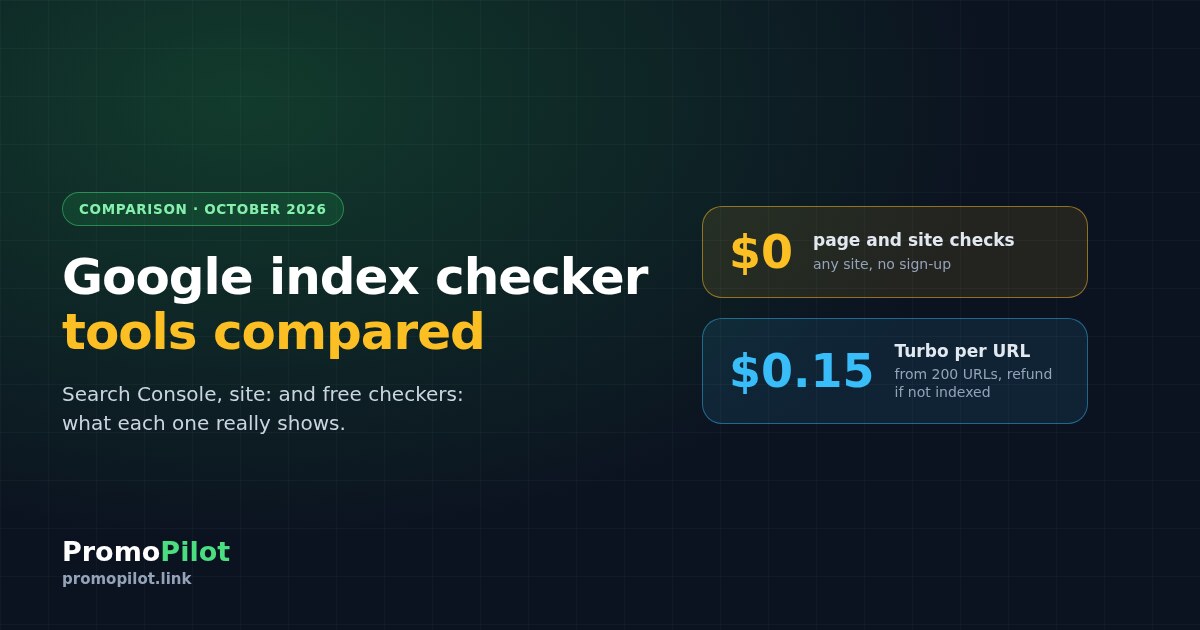
| PromoPilot page index checker | Whether a specific URL is indexed, plus what may be blocking it: HTTP status, noindex, canonical, robots.txt, sitemap | Any site | Live Google results at the time of the check | Free: 3 checks a day as a guest, 5 with an account, 20 with Pro |
| PromoPilot website index checker | Indexed pages vs. URLs in the sitemap, coverage percentage | Any site | Estimate based on site: | Free, same limits |
| Bing Webmaster Tools | Bing's index, not Google's | Only your own verified site | Bing data | Free |
The rule of thumb: for your own site, Search Console always has the final word. Third-party checkers, ours included, are for when you don't have Search Console access, need to check someone else's site, or just want to look up one URL without logging into a dashboard.
Why index checkers show different numbers
Search Console counts pages from Google's internal data and reports them with a lag. The site: operator is an ordinary search query, and Google itself calls the “about N results” figure an estimate; sometimes it doesn't show it at all. Third-party checkers, ours among them, rely on the same site: query, so they inherit its margin of error. Hence the familiar picture: Search Console shows one indexed page count, site: another, and a checker a third. Nobody is lying. When deciding what to fix, look at the status of specific URLs, not the overall counter.
The tools one by one
Google Search Console
URL Inspection tells you whether a page is on Google, when it was last crawled, which URL Google considers canonical, and why the page is excluded if it isn't indexed. The “Page indexing” report gives you the site-wide picture and groups excluded URLs by reason, such as “Discovered – currently not indexed” or “Crawled – currently not indexed”. You can also request indexing for an individual URL from there.
There's one limitation, but it matters: you need verified access to the site. For a client's site before they grant access, for a competitor, or for pages hosting your backlinks, Search Console can't help.
The site: operator in Google Search
A site:example.com query lists the domain's pages Google is willing to show, and site: with a full page URL tells you whether that page appears in results. It's fast and works for any site, but the result count is approximate, and Google explicitly calls it an estimate. The operator is more reliable for a single page than for counting a whole site.
PromoPilot page index checker
Paste a URL and the tool checks it against live Google results with a site: query for the exact address, while also looking at the usual indexing blockers: HTTP response status, meta robots, the X-Robots-Tag header, canonical, robots.txt rules, and whether the page is in the sitemap. You get an “indexed / not indexed” verdict and a 0–100 score explaining what lowers the page's chances of getting indexed. No sign-up required.
PromoPilot website index checker
The tool finds the sitemap (from robots.txt, or at the standard locations if it isn't listed there), counts its URLs, and compares that with the approximate number of the domain's pages in Google's index. The result is a coverage percentage, so you can see straight away if a noticeable share of sitemap pages is missing from search. If not all nested sitemaps could be read, the result is flagged as incomplete and no percentage is calculated, so it doesn't mislead you.
Bing Webmaster Tools
Bing's counterpart to Search Console: it shows how Bing crawls and indexes your site. It won't tell you anything about Google's index, but if some of your traffic comes from Bing or services built on it, it's worth checking there too.
Where our checkers fall short
site:, so it gives an approximate figure, and sometimes only a lower bound if Google didn't show a total result count.Page not indexed: what to do next
Find the cause first, then speed things up. Submitting a page for indexing is pointless if it has noindex, is blocked in robots.txt, or has a canonical pointing elsewhere. Common causes and how to check for them are covered in our knowledge base article how to check if a page is indexed by Google, and for how widespread the problem is, see our study half of a site can be missing from the index.
Once nothing is blocking the page, you have two options:
- Free, for your own site. Request indexing in Search Console, or use PromoPilot's free submission for sites connected via Search Console. How it works is explained in our article on page indexing in Google.
- Turbo indexing for any URL. The button appears in the page check when the page isn't indexed and nothing is technically blocking it. Pricing runs from $0.49 for a single URL down to $0.15 per URL for orders of 200 or more. After 14 days every URL is rechecked, and for those that still aren't indexed, the money goes back to your balance.
Which index checker fits which job
| Task | Tool |
|---|---|
| Find out why a page on your own site isn't indexed | Search Console, URL Inspection |
| See how many pages on your own site dropped out and why | Search Console, “Page indexing” report |
| Check a page without logging into a dashboard, or on someone else's site | PromoPilot page index checker |
| Quickly estimate index coverage for a client's or competitor's site | PromoPilot website index checker, site: operator |
| Check whether pages with your backlinks got indexed | PromoPilot page checker; at volume, an indexer with reporting |
| Bing's index | Bing Webmaster Tools |
| Ongoing indexing monitoring for a large site | Search Console plus a full SEO audit that counts indexed pages |
For ongoing monitoring of your own site, SEO Audit is more convenient: it records the number of pages in Google's index on every crawl and, with auto-monitoring every 30 days, shows how that number changed alongside technical errors.
FAQ
How do I check if my website is indexed by Google for free?
For your own site, open Google Search Console: the Page indexing report shows how many pages are indexed and why the rest are excluded. For any site, you can type the site: operator with the domain into Google Search or use the free PromoPilot website index checker, which compares the number of indexed pages with the sitemap.
Why do site: and Search Console show different page counts?
The site: operator returns a rough estimate that Google itself doesn't consider exact, while Search Console relies on Google's internal data and updates with a delay. Third-party checkers usually use the same site: query, so they inherit its margin of error. For decisions, look at the status of specific URLs in Search Console.
Can I check indexing for someone else's website?
Yes, but only approximately. Search Console and Bing Webmaster Tools only work with verified sites. For someone else's site, use the site: operator and PromoPilot's free checks: one for an individual page and one for the whole site compared against its sitemap.
How many free checks does the PromoPilot index checker allow?
As of October 2026, guests get 3 checks a day, free accounts 5, and Pro subscribers 20. The page check and the website check have separate limits, and a check only counts if the Google query actually went through.
What should I do if a page isn't indexed?
First rule out technical causes: noindex, a robots.txt block, a canonical pointing to another URL, or a server error. Then request indexing in Search Console or use PromoPilot Turbo indexing at 0.15 to 0.49 dollars per URL, with a refund for pages that aren't indexed within 14 days.
Can anyone guarantee that a page will get indexed?
No. Google decides what to index, and neither a manual request in Search Console nor paid indexers come with a guarantee. The difference is in the terms: with PromoPilot, the money for URLs that didn't get indexed goes back to your balance.
Sources: Google Search Console and Bing Webmaster Tools help documentation, checked in October 2026. PromoPilot limits and prices as of October 2026. Article prepared by PromoPilot.