
Public API: Keys, Scopes, and Scenarios
The public API allows you to manage promotion from your system: create projects, add pages, launch cascades, obtain reports, as well as work with position checks, audits, and security scans.
Documentation
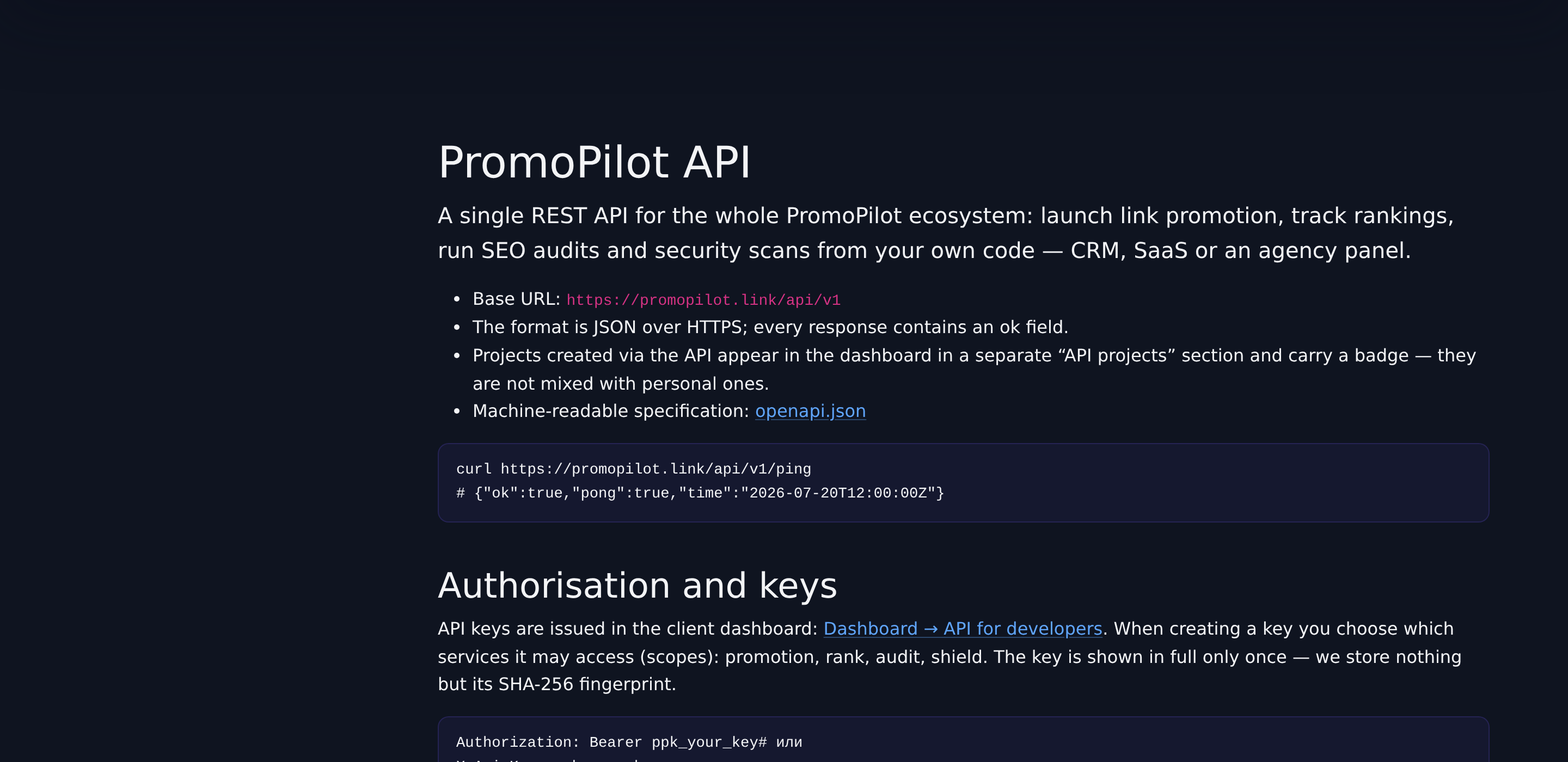
The complete guide with parameters and request examples is available on a separate page and always corresponds to the current version. Here is just the general picture.
Keys and Rights
- The key is issued in the cabinet, in the "API for Developers" section, and is passed in the authorization header.
- The key has scopes — sets of rights. There are four: promotion, rank, audit, shield. Only issue what is really needed.
- The key can be revoked at any time; old requests with it will stop working immediately.
- There is a limit on the frequency of requests; statistics of calls and expenses by key are visible in the cabinet.
What is Available via API
| Group | Capabilities | Scope |
|---|---|---|
| Account | Profile, balance, personal discount, key information | not required |
| Projects and Links | Creating projects, adding and deleting pages | promotion |
| Promotion | Rates, pre-calculation, launching a cascade, status and list of placements | promotion |
| Reports and Brand | Report in JSON or PDF, white-label settings (Pro only) | promotion |
| Rank Tracker | Projects, keywords, setting up position checks | rank |
| SEO Audit | Site size assessment, express and full crawl, results with Health Score | audit |
| Shield | Domain verification, launching scans, verdict | shield |
Branding reports is not a separate scope: it is included in promotion and requires an active Pro subscription.
Typical Scenario
- Create a project and add pages to it.
- Request a cost calculation for the desired cascade configuration.
- Launch the promotion and save the launch ID.
- Periodically request the status, and upon completion — a report with publications.
The pre-calculation returns the amount with a discount and the current balance, so the price can be shown before the charge; how it is structured is in the article rates and price. The report only returns confirmed placements, as in the cabinet: the status values are explained in the article report and statuses.
Limits and Response Codes
| Situation | Response | What to Do |
|---|---|---|
| Key not provided, not found, or revoked | 401 | Check the authorization header and the key itself |
| The key does not have the required scope | 403 | Issue a key with the necessary rights |
| Insufficient funds for launch | 402 | The response will include the required amount, balance, shortage, and a link to replenish |
| Error in parameters or foreign domain of the link | 422 | The field with the error is indicated in the response |
| Too many requests | 429 | Retry after the number of seconds from the response; the limit is counted on the key |
| Service temporarily disabled | 503 | Retry later: the launch did not occur, money was not deducted |
Lists are returned paginated — no more than 100 items per page. A complete list of codes is available in the guide.
Common Integration Errors
- Re-launching the same link. While an active cascade is ongoing, a new one is not created — the response will indicate "already active". This is not a failure, there is no need to repeat the request in a loop.
- Full audit without express, Shield scan without domain verification. Both actions require a preparatory step, otherwise an error will be returned.
- Too frequent status polling. The cascade lasts for hours: asking more than once every few minutes makes no sense, and it is easy to hit the frequency limit.
- Empty balance at the time of launch. The pre-calculation might have occurred yesterday, and the money could have gone to other launches — keep a reserve, see balance and replenishment.
White-label via API
Pro subscribers can set a logo, company name, and color — then the reports obtained via the API will be branded under your brand. More details in the article about White-label.
The server only stores the hash of the key, showing the issued key again is impossible — save it immediately. Lost or exposed in a repository: revoke the old one and issue a new one, this does not affect already launched cascades.