Google-Agent: How to Allow It Through Your CDN and WAF
Google published a help page on allowing Google-Agent: how to recognize it, how to verify it, and what to set up in your CDN and WAF.
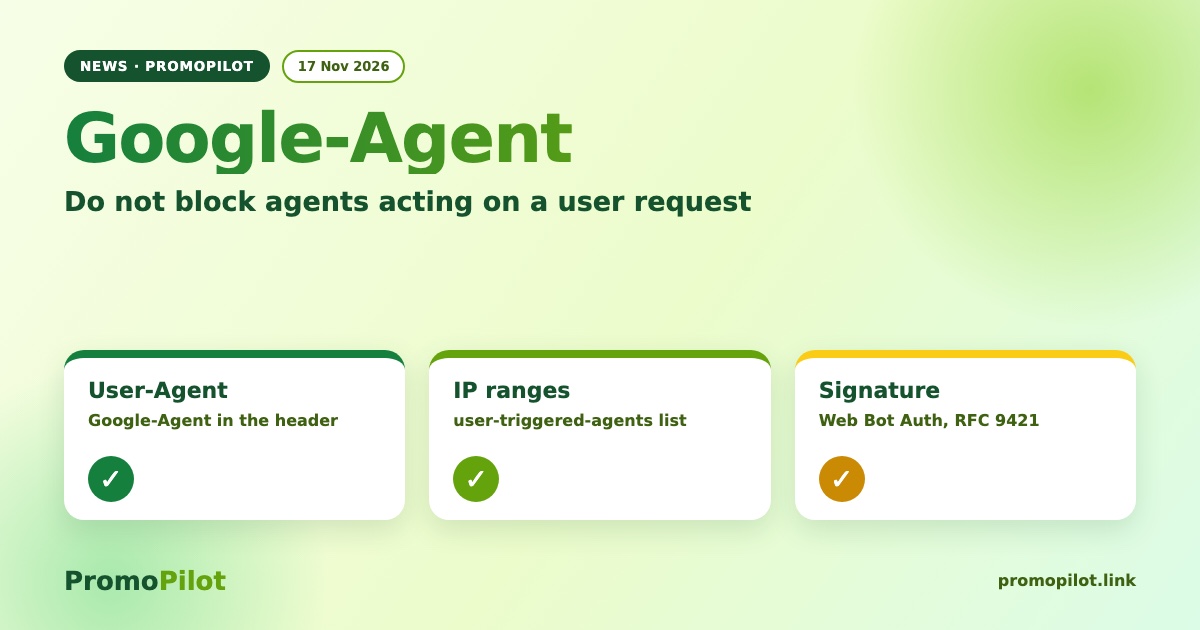
On 17 November Google added a page to its crawler documentation on how to let Google-Agent through. It is not the search crawler but an agent that acts on a site because a user asked it to. If your protection stops those requests, the person simply cannot finish the task on your site.
What Google-Agent is
According to the Google help page, Google-Agent covers agents running on Google infrastructure that browse the web and perform actions on a user's behalf, for example finding, comparing or completing something. The name has existed since March 2026; what is new is the official guidance on letting such requests through.
How to recognize it
Google lists three signals:
- the User-Agent header contains
Google-Agent; - the request comes from an address in the ranges of the
user-triggered-agents.jsonfile that Google publishes; - Google is testing Web Bot Auth: requests signed with RFC 9421 HTTP Message Signatures, identity
https://agent.bot.goog, headersSignature-Agent,SignatureandSignature-Input(labelg), with public keys in a well-known directory on agent.bot.goog.
What Google recommends for CDN, WAF and bot protection
If your provider has built-in Google-Agent verification, use it. Otherwise verify the User-Agent, the IP against the published ranges, and the signature when present. Then:
- skip bot challenges such as CAPTCHAs and JavaScript checks for verified requests;
- rank the allow rule above broad cloud or ASN blocks and managed bot rules;
- cover in-journey actions and APIs: cart, forms, checkout;
- exempt verified IPs from rate limits and keep the IP lists updated;
- if a proxy sits in front of your site, it must keep the client IP and the signature headers.
One caveat: the page does not say whether Google-Agent follows robots.txt. The document does not cover it, so do not assume either way.
Why it matters
If a user asked an assistant to book, buy or compare, and your protection hands the agent a 403 or a CAPTCHA, the task will not be completed on your site. This is about being reachable for people who use agents, not about search positions, and it promises nothing for traffic.
What to check this week
- Search your WAF or Cloudflare logs for requests with Google-Agent in the User-Agent and look for 403, 429 or challenge pages among the responses.
- Compare the IPs of those requests with
user-triggered-agents.jsonfrom the documentation. - Check rule order: the allow rule for the verified agent must sit above ASN blocks and bot rules.
- Make sure forms, cart and API endpoints are not behind a CAPTCHA for verified requests.
- See which status your page returns in the free PromoPilot HTTP status checker (it does not impersonate Google-Agent).
- While you are at it, check that the same rules do not cut off Googlebot: the real Googlebot is confirmed by reverse DNS (googlebot.com / google.com), not by the User-Agent string.
Source: Allow Google-Agent, Google crawling documentation, changelog entry of 17 November 2026. Confirmation: Search Engine Roundtable. Retold by the PromoPilot team.