The PromoPilot Chrome extension is live on the Chrome Web Store
On-page SEO audit, Search Console data for that page and a promotion launch — without opening the dashboard. One-click install, free.
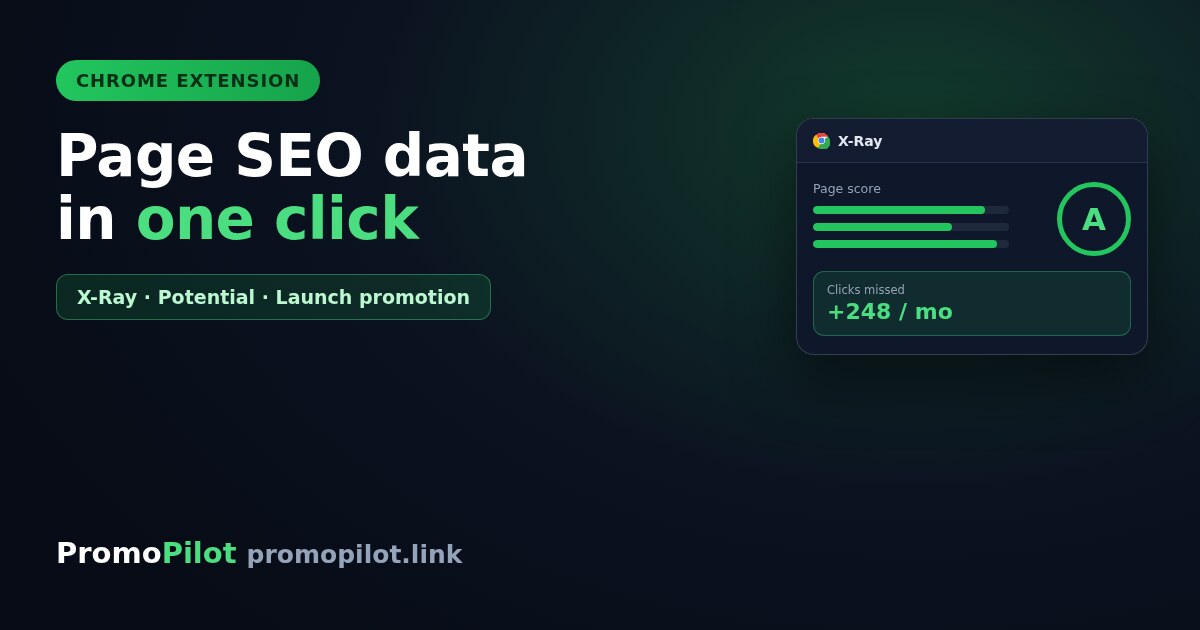
The PromoPilot extension is live on the Chrome Web Store. It shows SEO data for the page you are currently on and lets you launch promotion without opening the dashboard. One-click install, free.
What's inside
| Tab | What it does |
|---|---|
| X-Ray | Checks the open page against dozens of parameters: indexing, headings, text volume, images without alt, structured data, hreflang, basic speed metrics. Returns a letter-graded score. |
| Overlay | Draws hints straight over the site: heading levels, images without alt, nofollow links. The site itself is untouched — it is a visual layer in your browser. |
| Potential | Search Console data for the current page: position, impressions, clicks and how many clicks it is leaving on the table. There is a site-wide mode listing the biggest shortfalls. |
| Promotion | Creates a project, adds the open page with an anchor taken from its title, and launches a cascade — without leaving the tab. |
| Tools | Searchable catalogue of the platform's SEO tools. Some run right inside the extension window. |
The part that matters most: Potential
This is what other SEO extensions do not have. A typical plugin shows what is wrong with a page. Potential shows how much you are losing on it: it pulls your Search Console data for the last four weeks and calculates how many clicks the page is missing at its current position.
Same logic as striking-distance pages: work first on what is already close to the top, not on what never ranked at all. Spot a shortfall — add the page to promotion right there, in one click.
Installation
- Install the extension from the Chrome Web Store.
- Sign in inside the extension — by email, via Google, or with the "I'm already signed in" button if the platform is open in another tab. Two-factor authentication is supported.
- Open any page and click the icon.
The interface is available in English, Russian, Ukrainian and Polish. Minimum browser version — Chrome 116.
A full description of every tab and exactly what X-Ray checks is in the documentation.