
Rank Tracker: position tracking
Rank Tracker is a separate service of the platform for tracking website positions in search. It operates on the same account and balance as promotion.
What it does
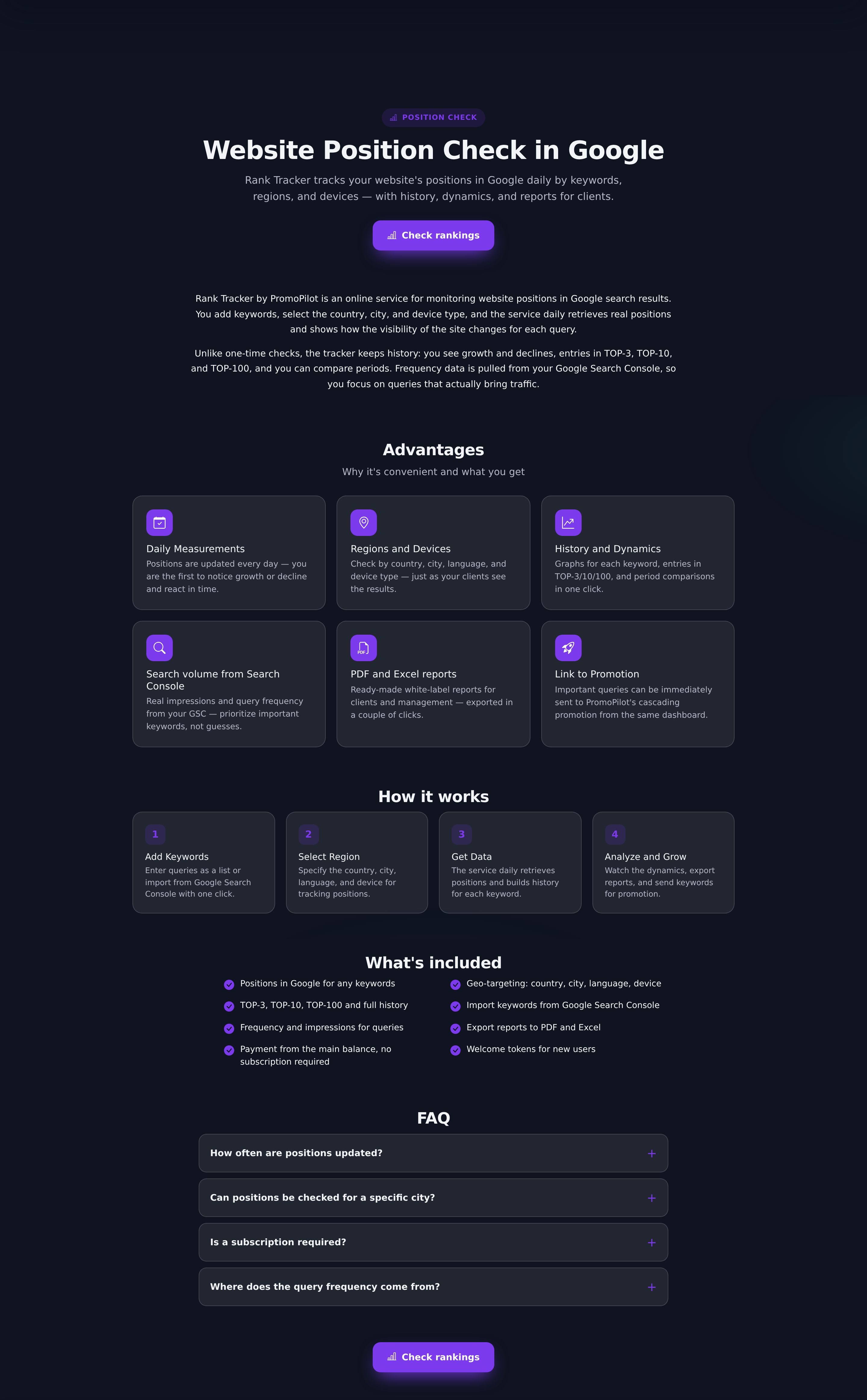
- Checks positions for your queries in the necessary regions and on the necessary devices.
- Shows dynamics: a graph for each query and a summary of "how many keywords are in top-3, top-10, top-30".
- Groups queries into clusters and allows setting a target position.
- Sends notifications when entering or exiting the top.
- Pulls frequency from Search Console if connected and shows the average Google position for keywords that the check did not find.
- Shows which competitors most often rank in the top-10 for your keywords — at no extra charge, based on already checked results.
- Marks on the graph the launches of PromoPilot cascades and shows the position "before → after" for keywords of promoted pages.
- Allows sending a keyword for promotion with the button 🚀 "Promote": the page and keyword are immediately inserted into the cascade launch window.
How it differs from "Pulse"
"Pulse" shows the average position of a page for all its queries from Search Console — this is Google's own data on how the page appears in the results. Rank Tracker checks specific queries directly in search, including those for which the page is not yet displayed. The first answers the question "how is the page moving overall", the second — "what position am I for this keyword right now".
It's useful to keep both: see what is "Pulse" and average position in the glossary.
How payment works
Token purchase and exchange are disabled. The account has a free quota of checks — it is consumed first, and when it runs out, the cost is deducted from the main balance, the same one used for promotion payments.
Deductions are made for received SERP pages. One check is one query in one combination of "region + device": desktop and mobile — two checks. We read the results in pages of 10 results and stop as soon as we find your site. Therefore, at a depth of top-30, the check costs from one to three pages, at top-100 — up to ten: if the site is in 4th place, you pay for one page.
- Unsuccessful checks are not charged. If the search does not respond, no money is deducted.
- Our retries are not charged. When a SERP page needs to be requested again due to a failure, you only pay for the received page, not for each attempt.
- Balance is checked on the go. Before each request, we check if there are enough funds. If the balance is insufficient for the entire depth, as many SERP pages are checked as it covers; if there isn't even enough for one — the check does not start.
The price of a SERP page is set by the service's tariff, so we do not fix it in the article. Before checking, it is visible in the project interface: next to the "Check all" button, the approximate amount for all keywords and for one keyword is indicated, and when hovering over "Check" for a keyword — how much will be deducted. This is an estimate at maximum, that is, for all pages of the selected depth; the actual deduction is usually less.
What affects consumption
| Parameter | Values | How it affects consumption |
|---|---|---|
| Tracking depth | top-10, top-30, top-50 or top-100, default 30 | Every 10 positions — up to one SERP page; the search stops when the site is found |
| Regions | ten countries plus "global" mode | Each region is checked separately |
| Devices | desktop, mobile | Each device — a separate check |
| Search engine | Positions are checked in Google results | |
| Frequency | manual, daily, weekly | How many times a month the consumption will repeat |
| Project volume | up to 1000 keywords per project | Consumption is proportional to the number of words |
In one project, no more than eight combinations of "region + device" are taken into account.
Reliability of checks
Search sometimes does not respond on the first try. To prevent empty cells for keywords, the service makes retries itself:
- in case of failure, it immediately makes repeated attempts to request the SERP page;
- if the check still fails, the service repeats it later the same day — no more than once an hour and free for you; only successful results are charged;
- if the scheduled auto-check did not complete — for example, if funds ran out, and then you replenished the balance — within 20 hours after it, the service will automatically check the remaining keywords without waiting for the next schedule.
While the retry has not passed, the last known position remains in the table with the icon ⟳ — more details in the article how to read position dynamics.
Notifications and emails
- Keywords entered the top-10. After the auto-check, you receive a notification in the dashboard if any keywords have entered the top-10 for the first time. Notifications "check completed" after each auto-check no longer arrive — no unnecessary noise.
- Position changes. In the notifications section for each project, you can enable emails about entering and exiting the top-10 and about rising or falling by a specified number of positions.
- Balance. If there was not enough money for the auto-check, a notification will come saying "Position auto-check stopped: insufficient balance". If the current spending leaves less than three days of auto-checks, a warning will indicate how many days it will last. Both come to the dashboard and email, no more than once every three days. After replenishing, checks will continue as scheduled.
- Weekly report. Clients with enabled auto-check receive an email once a week (if positions have shifted and "Reports on my sites" consent is enabled): how many keywords were and became in the top-10, which entered, rose, and fell, which are at the threshold (4–20 place). If positions did not shift during the week, there will be no email.
All types of notifications are detailed in the article "Notifications: what types are there and where they come".
Getting started
- Create a project in Rank Tracker and specify the domain.
- Add queries — manually or by importing from Search Console.
- Select regions and devices.
- Run the first check and set up the schedule.
Practical scenarios
- Control after launching a cascade. Record positions for main queries before the start — this is the starting point; then compare with it considering timelines.
- Site for several countries. One query in different regions gives different positions — keep regions as separate sets.
- Goals and notifications. Separate brand queries into a separate cluster, and for important keywords, set a goal and enable notifications.
Frequently asked questions and errors
- "Different position in the browser". Personal results take into account history and location, the tracker takes impersonal results — a discrepancy of a couple of positions is normal.
- "Position not found". The site is not within the selected depth. If Search Console is connected, under the "not found" mark (for example, ">30") there is a hint "GSC ≈ N" — average position according to Google data; the ⚠ icon nearby means that Google sees the site higher than in the checked region, and you should check the project's regions. Otherwise, increase the depth, keeping in mind that each SERP page is charged.
- "Frequency is empty". It is taken from Search Console — first connect it. Fluctuations of 2–3 points are normal noise: look at the trend.
If checks do not start
- The free quota has run out, and there are no funds on the balance even for one SERP page — the check does not start. Replenish your balance: if this happened during an auto-check, unverified keywords will be caught up within 20 hours after it.
- The frequency is set to "manual" — there will be no automatic checks, start them with the button.
- A long list is processed in a queue — results appear gradually.
- The position has ⟳ — today's check for this keyword failed due to a search failure. It will automatically and free of charge repeat, and until then, the last known position is shown.
- The domain is recorded differently than the real one (extra www) — the site is in the results, but the tracker "does not recognize" it. If positions are stable during live promotion, check the technique through SEO Audit.
Multiply before starting: words × regions × devices × number of checks per month. Daily checking of a long list in several regions at once is a common cause of unexpected deductions. Keywords for which the site has not been found for a month can be conveniently removed with the button "Find unpromising" — see check settings.
More about position checks
Setting up tracking and reading dynamics without false alarms.
| Article | About |
|---|---|
| Setting up position checks: regions, devices, goals | Regions, devices, depth and goal, auto-check and its monthly price, import from Search Console and finding unpromising keywords. |
| How to read position dynamics | Noise and signal on the graph, hints "GSC ≈ N" and ⟳, cascade marks 🚀 and "was → became", competitors in the results, and the "Promote" button. |