Pages ranking 8–20: how to find them in Search Console and lift them
Pages in positions 8–20 are already shown in search, but get few clicks. How to pick them out in Search Console, which levers lift such pages and what we cannot promise. With data from promopilot.link.
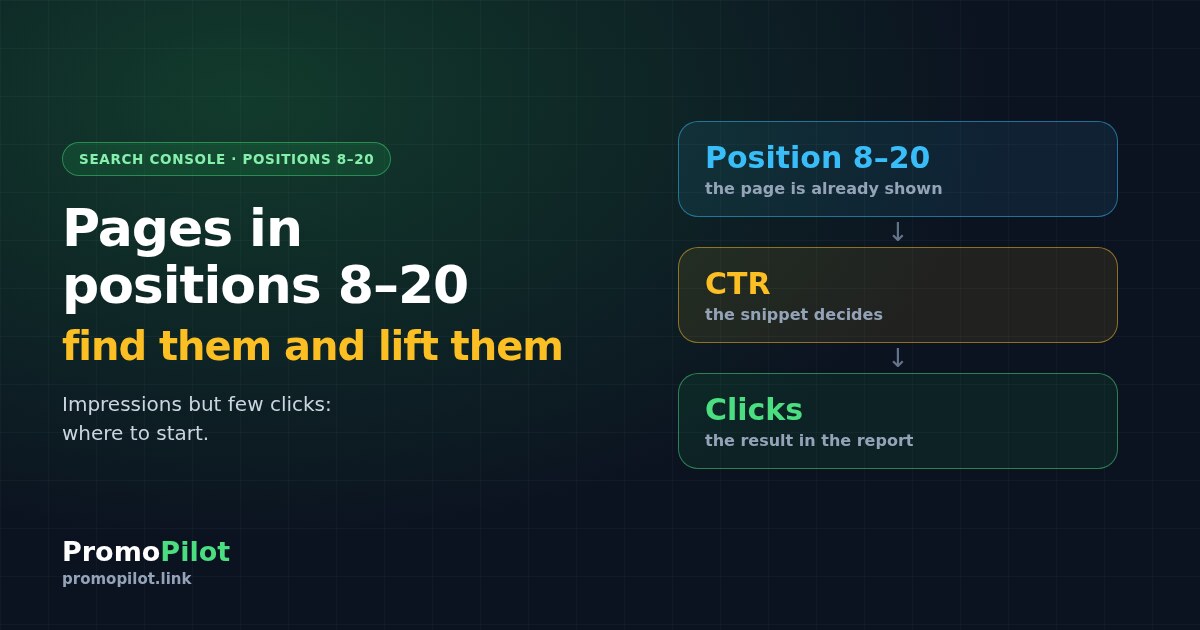
A page ranking 8–20 has already passed Google's first filter: people are shown it and it collects impressions, but it gets few clicks. This is the cheapest growth zone in Search Console. You do not need to write a new page, only to work out what holds back one that already exists. Below: how to build such a list in the Performance report in a few minutes, how positions 8–10 differ from 11–20, which levers actually lift these pages, and what we cannot promise. As an example we show the numbers from our own site, promopilot.link.
The short version: what to look for and what to do
- Where to look. Search Console, Performance, the Pages tab. Selection rules: at least 100 impressions, average position 8 to 20, CTR below the site average.
- What this zone is. Positions 8–10 are the bottom of page one, 11–20 are page two. The page is in the game, but people rarely open it.
- What lifts it. A stronger title and description for the query, a first paragraph and headings that match what the searcher wants, internal links from strong pages, refreshed content, links from other sites.
- What we do not promise. No edit and no link guarantees a position: competitors and Google decide too.
| Zone | Where the page sits | What usually holds it back | Where to start |
|---|---|---|---|
| 8–10 | Bottom of page one | The snippet does not stand out from its neighbours, so clicks are low despite decent impressions | Title and description, then internal links |
| 11–20 | Page two | The page is weaker than competitors on relevance, freshness or links | Match to the query, content refresh, internal links |
Why positions 8–20 specifically
A page from the third hundred of the results usually has a problem of a different order: it does not answer the query or is barely connected to the rest of the site. A page at position 12 is a different case. Google already considers it relevant and shows it to people; what it lacks is weight, an attractive snippet or a precise answer. That is why working on such pages is often shorter than creating a new one.
There is a second reason: clicks depend heavily on position. The lower a page, the fewer people reach it, and you can see this in your own report as CTR. We cover how to read that curve in the knowledge base article "CTR Curve by Positions", and the concept itself in "On the Threshold of the Top": Pages in Positions 4–20.
One caveat that is easy to miss. In the Search Console interface a page's position is an average across all queries and impressions in the period. A page can stand third for one query and fortieth for another, and the report will say 12.8. How that number is calculated is described in Average Position in Google. So once you find a page, always look at its queries separately.
How to find these pages in Search Console
Open the Pages report
In Search Console choose Performance, then the Pages tab. Turn on Impressions, CTR and Average position, and set a period with enough data: 3 months suits a small site, 28 days is enough for a large one.
Limit position and impressions
Keep pages with an average position from 8 to 20. If your interface has no position filter, sort the table by the Position column or export it and filter in a spreadsheet. Then cut the noise: at least 100 impressions. A page with ten impressions proves nothing.
Compare CTR with the site average
The site-wide CTR is shown above the chart in the report. Keep the pages whose CTR is below it. These are the candidates: they get impressions, but the snippet or the position does not bring people to the page.
Look at each page's queries
Click the page to add it as a filter and open the Queries tab. You will see which phrases it appears for and at what positions. That is the basis for your edits: you will rewrite the snippet and the start of the text for exactly those phrases.
If there are many queries, export the report and work through it in a spreadsheet. Our Search Console export analyzer can help, and a review of free options is in a knowledge base article. We covered the same approach for queries rather than pages in Striking distance keywords: how to find pages near Google's top 10 in Search Console.
What we found: numbers from our own Search Console
We applied this filter to promopilot.link. Data for the 28 days to 20.10.2026: of the pages with at least 80 impressions, a position between 3.5 and 20 and CTR below 3%, there were 13. The three most noticeable are in the table.
| Page | Impressions | Clicks | Position | CTR (calculated) |
|---|---|---|---|---|
| /tools/robots-checker.php | 724 | 1 | 19.3 | about 0.14% |
| /tools/broken-links.php | 639 | 10 | 12.8 | about 1.6% |
| /docs/glossary/donor-i-akceptor/ | 194 | 0 | 7.1 | 0% |
How to read this without inventing causes. The robots.txt checker has almost 700 impressions and one click, with a position around 19: that is page two, and few clicks there are expected. The open question is whether it can reach page one. The broken links checker sits at 12.8 and already has ten clicks, so it is the closest to page one. The third page, a glossary entry, stands at 7.1: that is page one, yet no clicks. Here it is worth opening the queries and checking which question the person is asking and whether the snippet answers it.
This is a snapshot, not a success story. We do not know why these pages have these numbers and we do not claim that edits will lift them. We only show what the filter's output looks like on a live site.
What lifts pages in positions 8–20
The levers fall into two types: some affect how often a displayed page gets clicked (CTR), others affect how high it is shown (position). It helps to tell them apart, because a new title will not move a page from 15th place, and a new internal link will not make a snippet more attractive.
1. Title and description for the query
This is the fastest lever for pages at 8–10 and for any page with low CTR. Take the page's main queries from the Queries tab, put the main phrase at the start of the title and rewrite the description so it answers what the person wants to know. You can preview the snippet in the SERP preview, and length and duplicates are checked by the meta tag analyzer. Do not copy competitors' snippets: compare how yours differs in usefulness.
2. First paragraph and headings for the intent
If the queries show that people want instructions and the page opens with a story about the company, it is weaker than competitors on relevance. Align the first paragraph and headings with what is actually being asked: give the answer straight away and keep details below. For pages at 11–20 this is the main check, because the cause is often a mismatch with intent, not the snippet.
3. Internal links from strong pages
Find pages on your site with many impressions and clicks and add natural links from them to your candidates with a clear anchor. The internal link opportunities tool helps find suitable places, and the principle is described in Internal Linking: Where Links Are Missing. This lever is free and fully in your hands.
4. Refreshing the content
Open the page and compare it with what ranks above: which subtopics are covered there and missing from yours, which facts are outdated, where an example or a table is missing. Update the data, add the missing sections and only then change the date. Changing the date alone, with no substantive edits, achieves nothing.
5. Links from other sites
External links can make a page look weightier to search, and at positions 8–20 they sometimes turn out to be the last missing piece. But to be honest: links do not guarantee positions, and we do not promise growth from any particular number of them. Close the free levers first, then decide whether you need links. PromoPilot offers placement cascades for this (Basic from $30), but it is an optional step.
| Lever | What to look at in Search Console | What to change | What to compare later |
|---|---|---|---|
| Title and description | Low CTR with good impressions | The phrase at the start of the title, an answer in the description | CTR over equal periods |
| First paragraph and headings | Queries do not match the start of the page | The opening text and H2s for the intent | Position for the key queries |
| Internal links | Few impressions for the page, many for its neighbours | Links from strong pages with a clear anchor | Impressions and position |
| Content refresh | Position falling or flat | Facts, missing sections, examples | Position and clicks |
| External links | The rest is done and position is not growing | Placements linking to the page | Position, with no promises |
How SEO Radar does it
Manual selection works well on a site of dozens of pages. When there are hundreds of pages and you need to open Search Console every week, automation is more convenient. SEO Radar connects to your Search Console, finds pages near the top, shows the potential in clicks and suggests what to do next. The principle is described in the knowledge base article about Radar.
You can check a site for free right on the Radar page. The decisions about edits stay with you: Radar shows where to look, it does not rewrite your pages.
What we cannot claim
Where to start: an order for one evening
- Build the list of pages with the four steps above and keep no more than ten with the most impressions.
- For each, write down 2–3 main queries and the current title.
- Start with the pages at 8–10: rewrite the title and description.
- For the pages at 11–20, check whether the start of the text matches the intent and add internal links.
- Note the date of the edit and return to the report after a period of equal length. Re-examine the pages that did not move using the lever table.
If the cause of low clicks may lie in indexing itself or a traffic drop, start with why search traffic drops, and for what to fix on a site first, read what to fix first after an SEO audit. How we look at the dynamics of our own site is shown in the breakdown of promopilot.link organic traffic, and the questions worth putting to Search Console are answered in the Search Console lesson.
Frequently asked questions
How do I find pages in positions 8–20 in Search Console?
Open Performance, the Pages tab, and turn on Impressions, CTR and Average position. Keep pages with an average position from 8 to 20 and at least 100 impressions, then compare their CTR with the site average. If your interface has no position filter, sort the table or export it.
Why are positions 8–10 and 11–20 handled differently?
Positions 8–10 are the bottom of page one and 11–20 are page two. On page one the snippet more often helps; on page two you usually need to improve the match to the query, the internal links and freshness. This is a working scheme, not a search engine rule.
How many impressions are enough?
We use a threshold of 100 impressions: with fewer, CTR and position are too random. On a small site you can lower it, but the conclusions will be more cautious. In our example the selection started from 80 impressions.
Do I need external links to lift such pages?
Not always. First check the title, description, match to the query, internal links and freshness of the content: that is free. External links can help, but they cannot guarantee positions.
When should I check the result after edits?
Compare two periods of equal length, for example 28 days before the edit and 28 days after, allowing for seasonality. There is no single timeframe for all pages, so we do not promise specific dates.
Sources: Search Console, promopilot.link, 28 days to 20.10.2026; the SEO Radar page and PromoPilot knowledge base articles, October 2026. This article was prepared by the PromoPilot team.