
Favicon Checker: Test Your Site Icon
Check and download favicons of any website. ICO, PNG, SVG, Apple Touch Icon.
Key facts
Enter a site address and the tool finds all its icons: favicon.ico, PNG, SVG, Apple Touch Icon and web manifest icons, shows their sizes and a preview, and gives download links. Free, no sign-up. It does not check whether Google or Yandex actually shows the icon.
- Price
- Free
- Sign-up
- Not required
- Processing
- Our server downloads the page HTML (15 s timeout), checks /favicon.ico with a HEAD request (5 s) and reads the web manifest (5 s); the preview images themselves are loaded by your browser straight from the site
- Input
- A page URL or domain (http/https); the HTML is read without running JavaScript
- Limits
- 30 checks per minute per IP; no sign-up; private and internal addresses are blocked by SSRF protection
- Output
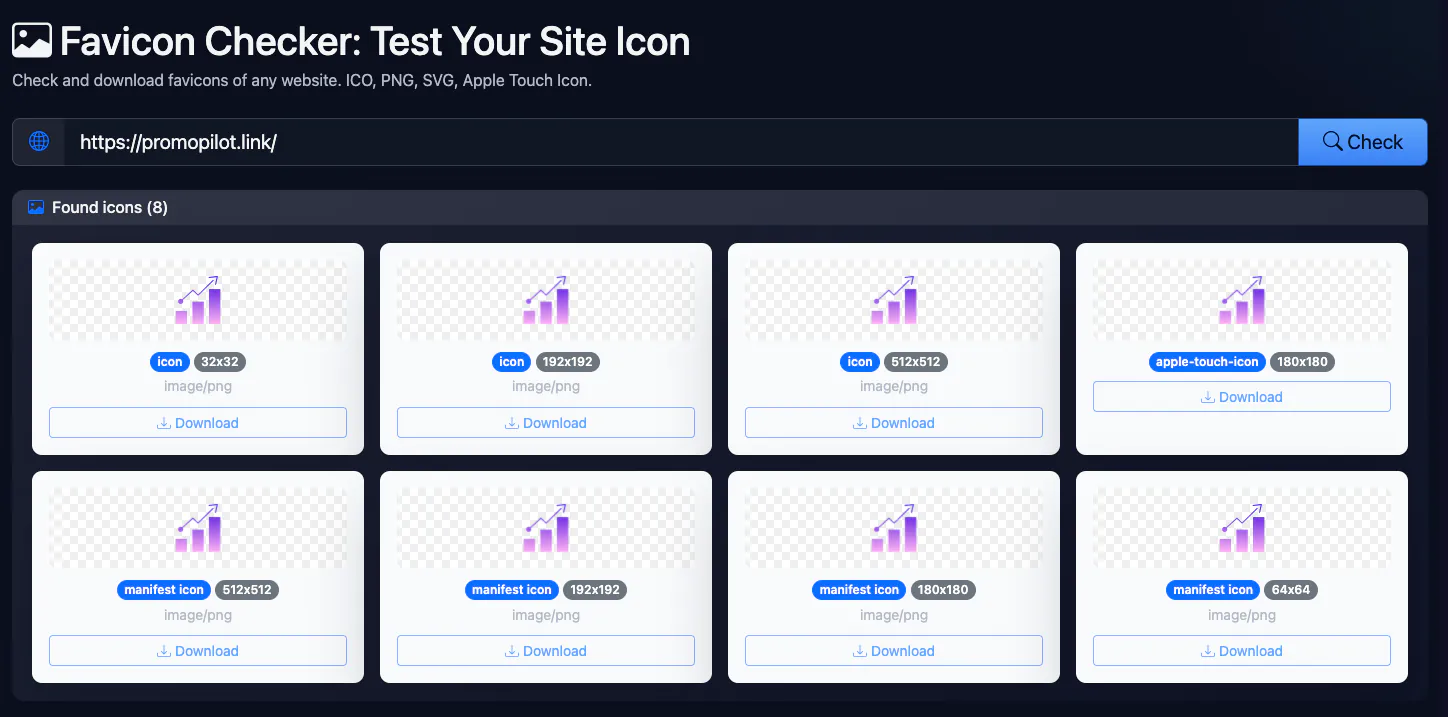
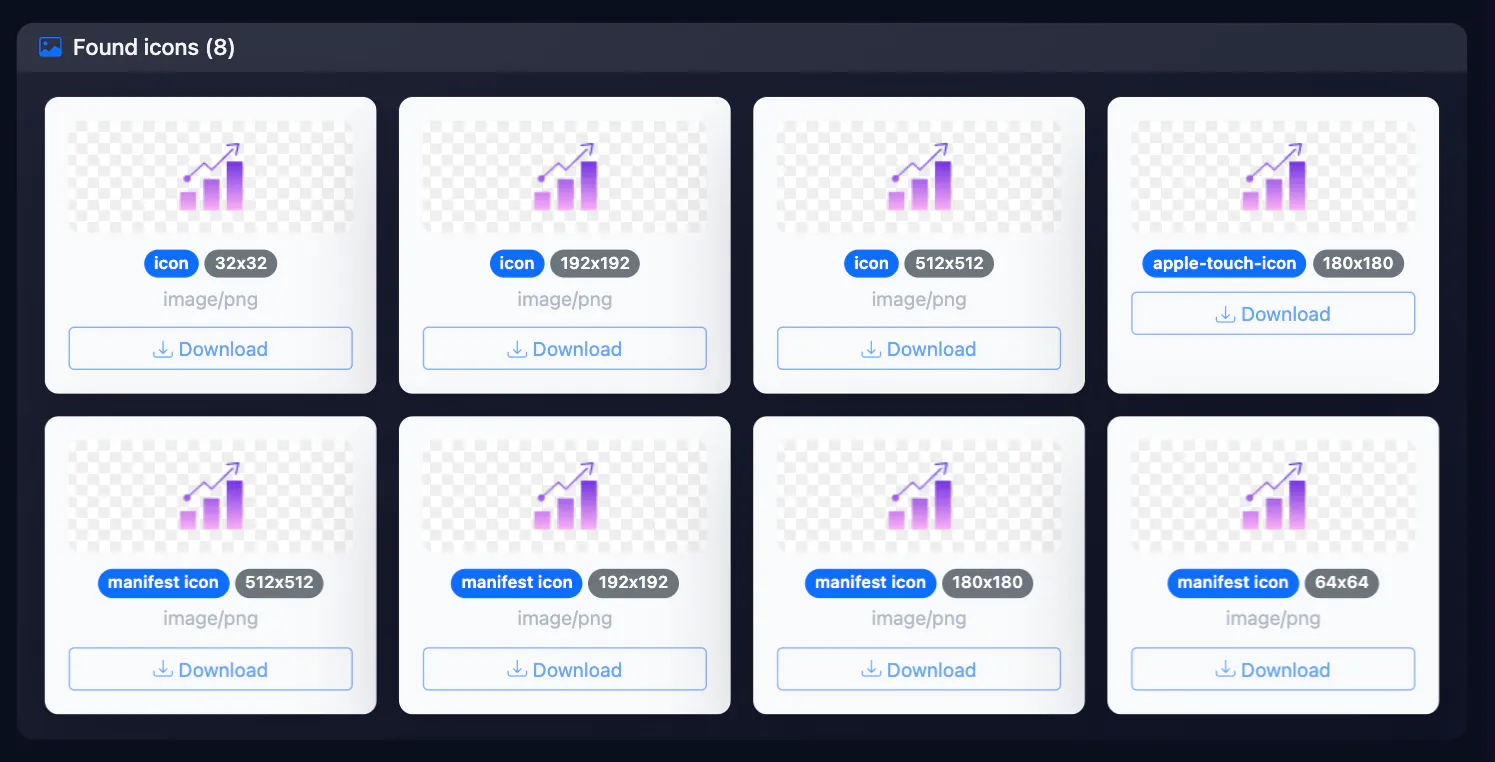
- A list of found icons with a preview on a checkerboard background: rel value, sizes, type and a download link — from link tags, /favicon.ico and web manifest icons
- Last updated
See it in action
Website Favicon Checker
Check whether any website has a correct favicon. The tool finds every icon declared in the HTML, including Apple Touch Icon and manifest icons, and shows their attributes.
How to Use
- Enter the website URL to check favicon
- Press "Check" — the tool will analyze HTML and standard paths
- Review the icons found and their attributes, download the one you need
FAQ
Who it is for
- The icon did not show up after launch. Check that the HTML has the tags at all and that /favicon.ico answers; a wrong path is the usual cause.
- The tab still shows the old logo. You see which file the site serves right now and whether two conflicting tags are left in the code.
- Auditing a client’s or competitor’s site. In a minute: which formats are declared, whether there is an Apple Touch Icon and manifest icons for Android.
- Before waiting for Google or Yandex to refresh. Confirm the icon is reachable at all before you expect a change in search results.
- You need another site’s icon file for comparison. Each entry has a link to the file.
If an icon is missing or the wrong size, the favicon generator builds the set. Other technical page checks: the meta tag analyzer, the robots.txt checker (if it blocks the icon’s folder, search engines cannot fetch it), the Open Graph debugger and the HTTP headers checker.
Honest limits
- The tool cannot tell whether Google or Yandex shows your icon; that depends on indexing and the search engine’s requirements, not just a tag.
- Each icon found (up to 12) is requested separately: the response code, file type and size are shown, and files over 100 KB are flagged. Pixel sizes come from the “sizes” attribute of the tag or manifest and are not measured.
- JavaScript is not executed, so icons injected by a script are not found.
- Relative icon paths (
icon.png,../img/fav.png) are resolved from the final page URL and honour<base href>;data:icons are not requested and their size is taken from the content. Amask-iconis shown as its own badge. - If the page already declares any .ico file, /favicon.ico is not requested separately, and a response other than 200 keeps it off the list.
- Only the page you enter is read; other sections and subdomains may use different icons.
PromoPilot vs alternatives: comparison
We compare only what is confirmed on each service's own pages. Where we could not confirm a fact, the cell shows "—".
| Parameter | PromoPilot | favicon.io Favicon Checker | RealFaviconGenerator Favicon Checker | Abacktools Favicon Checker | Ranktracker Favicon Test |
|---|---|---|---|---|---|
| Free and limits | Free; 30 checks a minute | — | — | Free, no usage limits | Free tool (limits not stated) |
| Sign-up | ✗ | — | — | Not needed | — |
| Where the check runs | On our server (it fetches the page) | — | — | In the browser (per their page) | — |
| Paid plan price | The tool has no paid plan | — | — | No paid tiers (per their FAQ) | — |
| ICO / PNG / SVG | ✓ | ✓ | ✓ | ✓ | ✓ |
| Apple Touch Icon | ✓ | ✓ (180×180) | ✓ | ✓ | — |
| Web manifest icons | ✓ | ✓ (192×192 and 512×512) | ✓ | ✓ | — |
| Checks files are reachable and sized right | ✓ (response code, type and weight of each icon; pixels are not measured) | ✓ (marks missing or unreachable files) | ✓ (files reachable, dimensions as expected) | Size recommendations; file reachability not confirmed | Sizes 16/32/48 and formats; reachability not confirmed |
Scroll the table sideways
Where we are weaker: We do not grade icons against platform requirements or measure real pixels — favicon.io and RealFaviconGenerator do that; we do check that files are reachable and how heavy they are. Our tool is a quick list and preview.
When to choose PromoPilot: We list everything the site declares for icons in its HTML and manifest, plus /favicon.ico when it answers 200. We do not verify real file size or format, Google’s rules or search indexing, and we do not run JavaScript.
Checked on: . "—" means not confirmed on the official page; terms and prices change, so check the services' own sites.
How to check a website favicon online and read the result
To check a favicon, enter the homepage address in the form above (for example example.com), not an inner URL: search engines take the icon from the homepage. The favicon checker downloads the HTML, finds every <link> tag whose rel contains icon (icon, shortcut icon, apple-touch-icon, apple-touch-icon-precomposed), reads the icons listed in the web app manifest and, if no .ico file is declared in the markup, separately tests whether /favicon.ico in the site root returns 200.
Every icon found is shown as a card. How to read it:
- Blue badge — the
relvalue.manifest iconmeans the icon came from the manifest file;shortcut iconpointing to/favicon.icowith no tag in the HTML means the file was found only at the default path. - Grey badge — the
sizesattribute as declared in the code. It is the claimed size, not a measurement: if the tag says32x32but the file is really 16×16, browsers and Google get 16×16. Open the file with the Download button and check the actual pixels. - Type under the badges — the
typeattribute (image/png,image/svg+xml,image/x-icon). - A “?” instead of the image — the browser could not load the file at that address: a 404, a redirect to an HTML page, a wrong path or hotlink protection. Test that URL with the HTTP status checker.
If the tool reports that no favicon was found, the HTML has no icon tags and /favicon.ico does not return 200. A common cause is an icon injected by JavaScript after page load: neither this favicon tester nor some crawlers see such a tag. Serve the icon in the initial HTML.
Why Google is not showing your favicon in search results
If a grey globe appears next to your result instead of your icon, compare your setup with Google’s favicon guidelines. The key points:
- A tag on the homepage. The homepage of the hostname needs
<link rel="icon">(orshortcut icon,apple-touch-icon). Google shows one favicon per hostname:shop.example.comcan have its own, a folder likeexample.com/blog/cannot. - A square that is a multiple of 48 px. 48×48, 96×96, 144×144, 192×192. A 16×16 or 32×32 icon works in a browser tab but is not enough for Google Search. SVG has no size restriction.
- Crawlable file. Googlebot-Image must be able to fetch the icon file and Googlebot must be able to crawl the homepage. Rules such as
Disallow: /*.icoor a blocked folder that holds the icon (/wp-content/uploads/,/assets/) break it. Test your file in the robots.txt checker. - A stable URL. Do not change the icon address on every deploy (hashed file names) — Google cannot keep up.
- A brand-representative image with nothing inappropriate — otherwise Google replaces it with a default icon.
How long it takes and how to speed it up
The favicon is not refreshed on every crawl; expect anything from a few days to several weeks. To speed things up: fix the tags, make sure the icon returns 200 and is not blocked by robots.txt, then run URL Inspection on the homepage in Search Console and click Request Indexing. Repeated requests do not help. You can preview how the result will look with the SERP preview tool.
The complete favicon tag set for 2026
You no longer need twenty icon variants. This set in the <head> of the homepage (and every template) covers modern browsers, Google, iOS and Android:
<link rel="icon" href="/favicon.ico" sizes="32x32">
<link rel="icon" href="/icon.svg" type="image/svg+xml">
<link rel="icon" href="/favicon-96x96.png" sizes="96x96" type="image/png">
<link rel="apple-touch-icon" href="/apple-touch-icon.png">
<link rel="manifest" href="/site.webmanifest">
<meta name="theme-color" content="#0f172a">
The site.webmanifest file:
{
  "name": "Example",
  "icons": [
    { "src": "/icon-192.png", "sizes": "192x192", "type": "image/png" },
    { "src": "/icon-512.png", "sizes": "512x512", "type": "image/png" }
  ],
  "theme_color": "#0f172a",
  "background_color": "#ffffff",
  "display": "standalone"
}
ICO serves legacy browsers and tools that request /favicon.ico directly. SVG stays sharp on any screen (you can add @media (prefers-color-scheme: dark) inside the SVG for dark mode). The 96×96 PNG satisfies Google’s multiple-of-48 rule. The 180×180 Apple touch icon, without transparency, is what iPhones put on the home screen. The manifest with 192 and 512 icons is used by Android and PWAs. If manifest icons do not show up in the check, make sure the manifest is valid JSON and that rel="manifest" comes before href in the <link> tag.
Favicon sizes at a glance
| Size | Format | Where it is used |
|---|---|---|
| 16×16, 32×32 | ICO (both layers in one file) | Tabs, bookmarks, browser history |
| 48×48, 96×96 | PNG | Google Search (minimum 48×48, multiples of 48) |
| Any | SVG | Modern browsers, dark mode |
| 180×180 | PNG | Apple touch icon, iOS/iPadOS home screen |
| 192×192 | PNG | Manifest, Android, Chrome shortcuts |
| 512×512 | PNG | Manifest, PWA splash screen |
How to add a favicon in WordPress, Shopify, Squarespace and Wix
WordPress
Use the built-in Site Icon: Appearance → Customize → Site Identity, or Settings → General in block themes. Upload a square PNG of at least 512×512 — WordPress generates 32×32, 180×180, 192×192 and 270×270 versions and prints the tags in <head>. Do not add a second icon through an SEO plugin or header.php: two tag sets pointing to different files is a frequent reason for the “wrong” icon.
Shopify
Online Store → Themes → Customize → Theme settings → Logo/Favicon. Many themes output the icon scaled down to 32×32, which is too small for Google Search — add an extra tag in theme.liquid pointing to a 96×96 or 192×192 PNG.
Squarespace, Wix and other builders
Look for a Favicon or Browser icon field in the site settings, upload a large square image, publish, then run the homepage through this checker to confirm the icon is in the HTML and its URL opens.
Custom sites
Put favicon.ico and the PNGs in the web root and the tags above in your shared header template. On nginx it is worth silencing logs and setting a cache lifetime:
location = /favicon.ico {
    access_log off;
    log_not_found off;
    expires 7d;
}
Why the browser still shows the old favicon
Browsers cache favicons separately from pages, so a hard refresh (Ctrl+F5) often does nothing. What helps:
- Open the icon file directly (
example.com/favicon.ico) and reload it — that refreshes the cache for that exact file. - Version the URL:
/favicon.ico?v=2, or rename the file. Change it only when the design changes, not on every deploy. - Check in a private window or here: this tool fetches the page from the server and does not depend on your browser cache.
- If a CDN still serves the old file, purge the CDN cache for the icon.
Google’s cache is separate: the new icon shows up in search after the homepage is recrawled, whatever you see locally. The image that social networks and messengers pull when a link is shared is og:image, not the favicon — test it with the Open Graph debugger. More on how the tool works is in the documentation.
Improve search rankings
SEO problems may be costing you traffic. Cascade link building will improve site visibility in search.