
Website Screenshot Online
Get a screenshot of the first screen of any website (1200×1200 px).
Key facts
To take a website screenshot online, enter the address and pick Desktop or Mobile. The page is opened in a real browser on the screenshot service’s side and you get an image of the first screen to download. Free, no sign-up or extension, up to 15 screenshots a day.
- Price
- Free
- Sign-up
- Not required
- Processing
- The screenshot is taken not by our server but by the external service thum.io: we only validate the address and build a link, and your browser loads the image straight from image.thum.io. So thum.io receives the page address and your IP.
- Input
- A public URL (https:// is added if missing) and a mode: Desktop or Mobile
- Limits
- 10 requests a minute per IP; 15 screenshots a day without an account, 45 with one, unlimited with Pro; up to 60 seconds of waiting for the image
- Output
- An image of the first screen and a bit below: 1200×1200 px; in Mobile mode the same image is shrunk to 375 px wide (no phone emulation); shown in a laptop or phone frame with a Download button
- Last updated
Video walkthrough 0:37

Website Screenshot Online Free: Capture Any URL on Desktop or Mobile
Take a screenshot of any website by URL for free, in desktop or mobile view, and download the image.
Video transcript
Need a screenshot of any website by URL? Capture it in seconds. Enter a page address. Click Capture. The page is rendered, and you can download the image. Switch the device to see the mobile version, handy for checking responsive layouts. Pick desktop or a phone-sized mobile view. Rendering usually takes five to fifteen seconds. Free, no sign-up. The link is in the description. Subscribe for more free tools.
See it in action
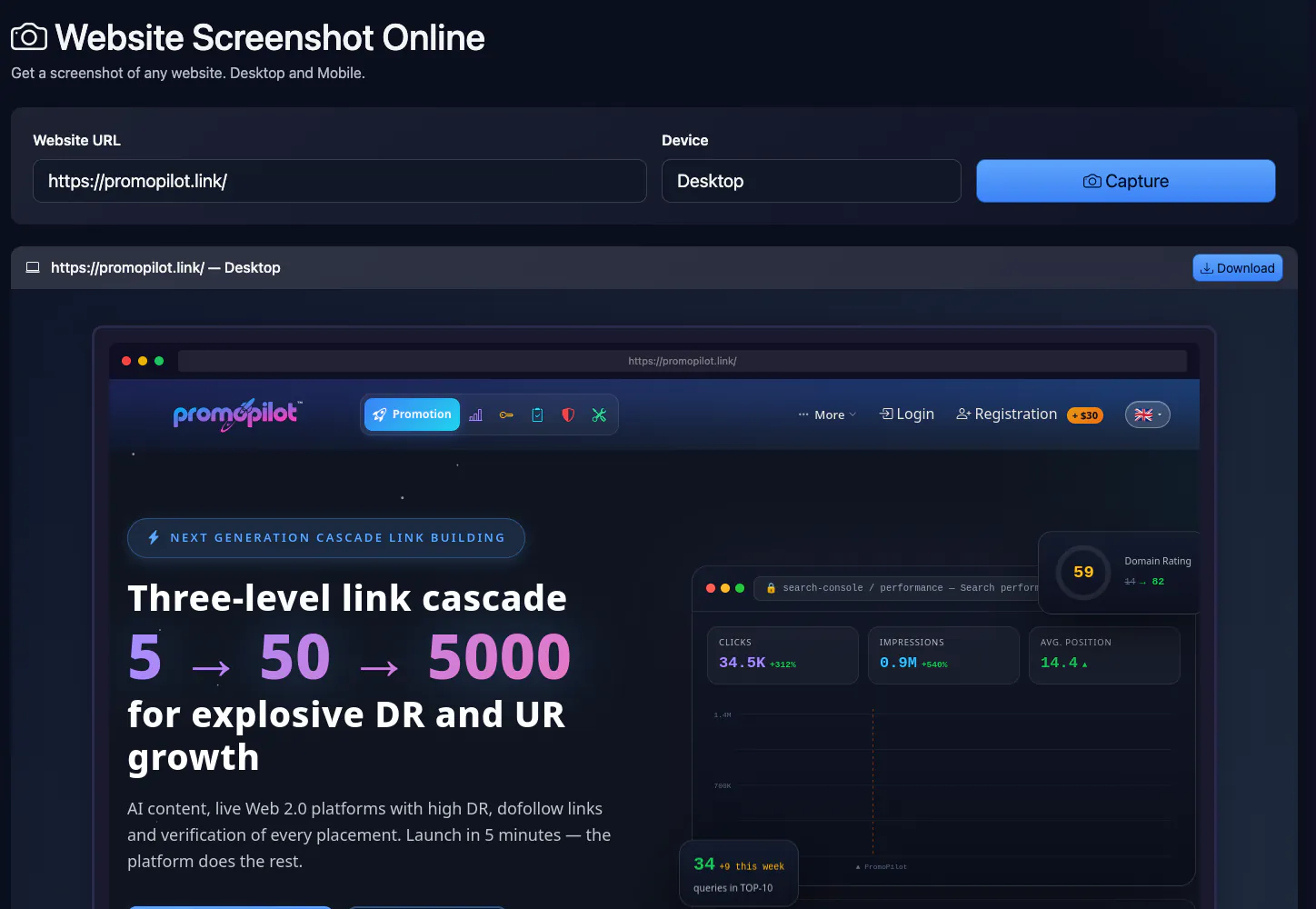
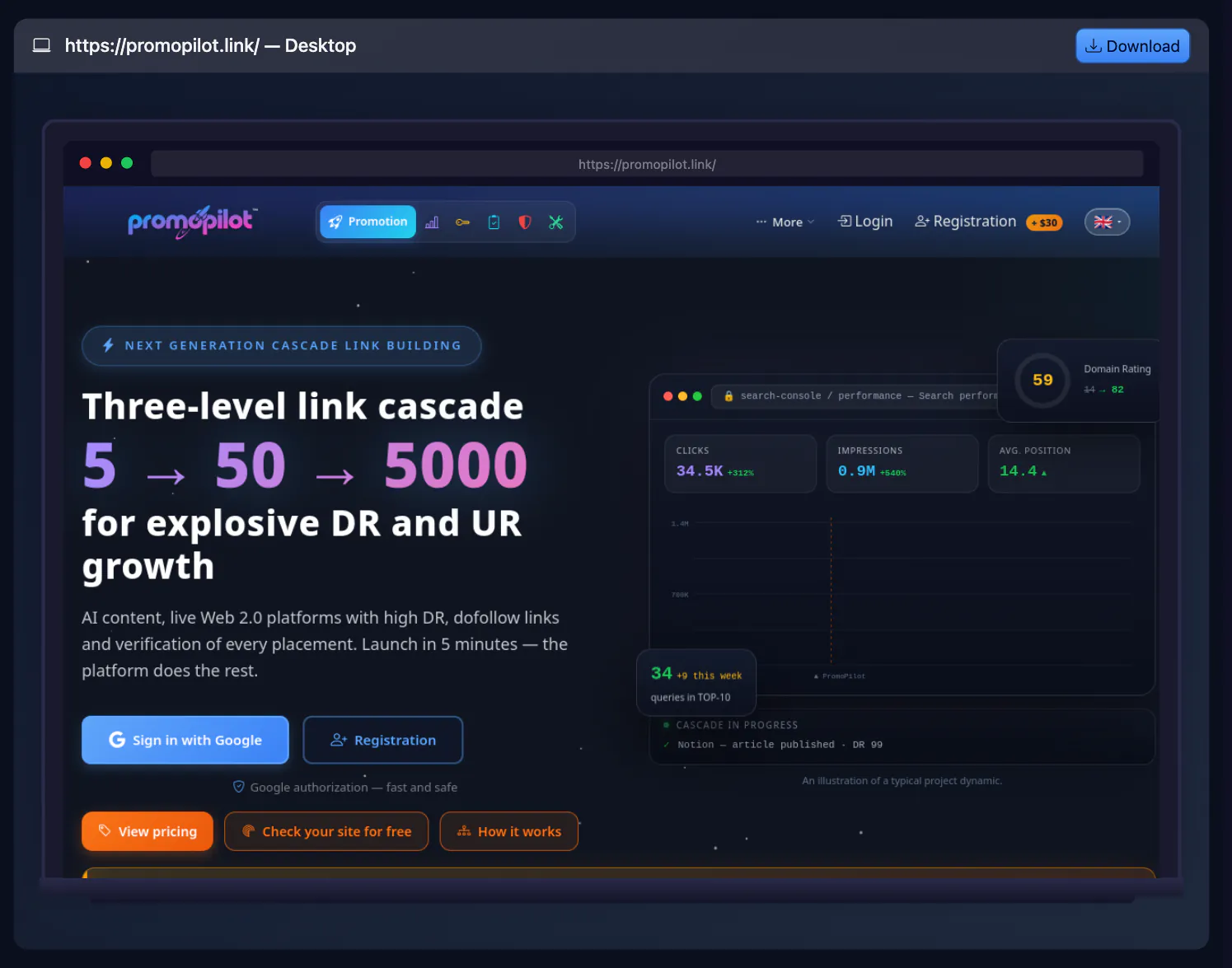
Website Screenshot Online
Take a screenshot of any website by URL — a 1200×1200 px PNG of the first screen, with no extensions or software to install. Mobile mode does not emulate a phone: it only shrinks the image to 375 px wide.
How to Use
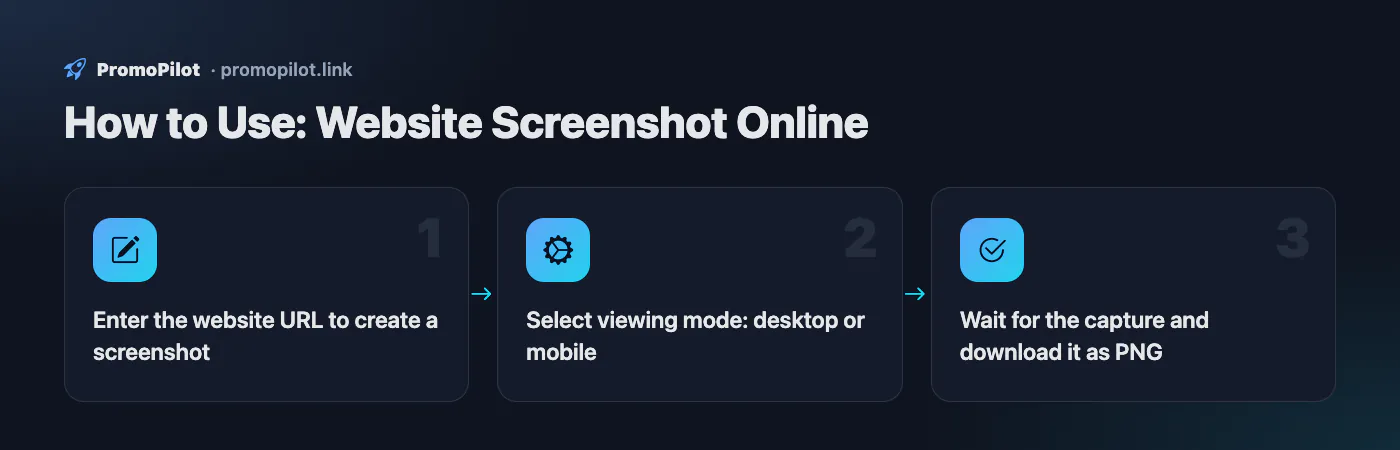
- Enter the website URL to create a screenshot
- Select viewing mode: desktop or mobile
- Wait for the capture and download it as PNG
Use Cases
- Run visual QA checks on desktop and mobile layouts.
- Prepare screenshots for client reports and audits.
Limitations
- Login-protected, captcha, or geo-blocked pages may render partially.
- Does not emulate authenticated user sessions after login.
Example Input / Output
https://example.com/product/123
PNG screenshots generated for desktop (1920px) and mobile (390px) views.
FAQ
Who it is for and typical uses
- Showing a page to a client or colleague. A first-screen image is easy to drop into a report or an email without asking anyone to open the site.
- Comparing two versions of a page. Take two captures before and after your edits. Mobile mode does not show the mobile layout (it only shrinks the image); for that use the mobile-friendly test.
- Seeing the site as a new visitor. The capture is made without your cookies or login, so consent banners, pop-ups and the landing screen are visible.
- Recording the state before changes. Before a redesign or a new header, save “how it was” to compare later.
- Taking a careful look at an unfamiliar site. An image is safer than an open page, although the address still goes to a third-party service.
Honest limitations
- It captures the first screen and a little below, not the whole page. For a long page use your browser’s own capture or another service.
- The screenshot is made by the external service thum.io, not by our server. It receives the page address and your IP, so do not enter private or internal addresses here.
- There are no settings: you cannot set the window size, format or delay, or switch off ads and cookie banners. A banner may cover part of the content.
- Pages behind a login or bot protection cannot be captured; you will see a sign-in form, a placeholder or an error.
- If the image does not load within 60 seconds you get an error message. The free mode of thum.io has its own limits, so at peak times the picture may fail to open. Your daily counter has already gone up by then.
What to check next: mobile friendliness, page speed, social link preview, site availability, site audit.
PromoPilot vs alternatives: comparison
We compare only what is confirmed on each service's own pages. Where we could not confirm a fact, the cell shows "—".
| Parameter | PromoPilot | Site-Shot | WebsiteScreenshot Online | SeoLik | Thum.io |
|---|---|---|---|---|---|
| Free use and limits | 15 a day without an account, 45 with one; 10 a minute | Free online tool; no limit stated | 50 screenshots per month on the free plan | 5 screenshots a day | Up to 1,000 impressions a month free (API) |
| Sign-up | Not required | Not required | Not required | — | Not needed for the first 1,000 |
| Where data is processed | Taken by the external service thum.io; your browser loads the image from it | — | They say files are kept only until download | — | — |
| Paid plan price | PromoPilot Pro removes the daily limit | $5 per month (API, 2,000 screenshots) | $9.99 per month (1,000 screenshots) | VIP account, prices on the service page | $2 per 10,000 hits, $1 monthly minimum |
| Full-page capture | ✗ | ✓ up to 20,000 px | ✓ up to 20,000 px | ✓ “full-size” mode | ✓ on the “Better” plan ($20 monthly minimum) |
| Mobile mode | ✗ only shrinks to 375 px | ✓ | ✓ | ✓ 17 screens and devices | ✓ |
| Choice of format / window size | ✗ | ✓ PNG, JPEG, WebP | ✓ PNG, JPEG, PDF | ✓ PNG, JPEG, WebP | — |
| Ad and cookie-banner blocking | ✗ | ✓ | ✓ | — | — |
Scroll the table sideways
Where we are weaker: We are weaker on features: first screen only, no choice of format or window size, no ad or cookie-banner blocking and no full-page capture, all of which alternatives offer.
When to choose PromoPilot: When you want a quick capture of the first screen with no sign-up or extension: show a client a page, compare two versions, or see a site through a new visitor’s eyes. Mobile mode does not check the mobile layout.
Checked on: . "—" means not confirmed on the official page; terms and prices change, so check the services' own sites.
How to take a website screenshot online from a URL
To capture a website screenshot online you don't need to open the site, install an extension or sign up: a remote browser loads the page and you get a ready image.
- Paste the address into the "Website URL" field. The protocol is optional:
example.comandhttps://example.com/pageboth work. The screenshot is taken of exactly the page you enter, so use the full path for inner pages. - Pick a device: Desktop for the computer view, Mobile for the same image shrunk to 375 px wide (no mobile layout is emulated).
- Click "Capture" and wait. A screenshot is usually ready in 5–15 seconds; heavy pages take longer, and after 60 seconds the tool shows an error.
- Click "Download": the PNG image opens in a new tab, save it with
Ctrl+S(Cmd+Son Mac) or via right-click.
After a run, the tool's page address contains ?url=…&device=…. You can bookmark that link or send it to a colleague — opening it takes a fresh screenshot of the site's current state.
Limits: up to 10 screenshots per minute; per day — 15 for guests, 45 after free registration, unlimited on Pro.
What ends up in the image
| Mode | Image width | What you see |
|---|---|---|
| Desktop | 1200×1200 px | desktop layout: header, menu, the first screen and some content below it |
| Mobile | 375 px | the same desktop image shrunk in width; mobile styles are not applied |
The image is capped at 1200×1200 px. This is not a full-page screenshot but the top of the page — what a visitor sees right after it loads, plus a bit more. For most jobs (judging the above-the-fold area, showing a client, comparing with a competitor) that is enough. If you need a long page down to the footer, see the browser methods below.
When an online screenshot beats Print Screen
- A narrow capture. Mobile mode shrinks the image to 375 px wide — handy for previews, but it is not a mobile layout. For that use device mode in DevTools or the mobile-friendly test.
- A clean image. No tabs, bookmarks bar, extensions, notifications or cursor — you can drop it straight into a report or a slide.
- The site through a new visitor's eyes. The remote browser has none of your cookies or logins, so you see what a first-time visitor sees, not your own account.
- Any device. On a tablet or a locked-down work PC where you can't install software, a browser is all you need.
Why the screenshot differs from what you see
Cookie banners and pop-ups
The remote browser always arrives "for the first time", so the image often contains a cookie consent banner, a newsletter pop-up or a location picker. You dismissed them long ago on your machine. That's not a bug — it's how new visitors see the site.
Lazy-loaded images
Images with loading="lazy" or ones loaded by a script on scroll may show up as grey boxes, because the browser didn't scroll. If empty blocks appear above the fold, check whether an important image (such as the hero banner) is being deferred — that also hurts LCP. You can measure the first screen in the page speed test.
Location and language
The screenshot is taken from the rendering service's servers, not from your country, and you can't choose a country. Sites with geo-redirects may serve a different language version or region. To see exactly where a URL redirects, use the redirect checker.
Bot protection, logins, errors
Cloudflare, CAPTCHAs and anti-bot systems may show the remote browser a challenge page instead of the content. Pages behind a login (dashboards, admin panels) will come out as the sign-in page. If you see "Failed to load the screenshot", first confirm the site responds at all with the website status checker.
Freshness
The rendering service may cache the image for the same URL for up to a day. If you have just changed the page and the screenshot looks old, add any parameter to the URL, e.g. ?v=2.
How to screenshot an entire web page
When you need the whole page from header to footer, use the browser's built-in tools — free and extension-free.
- Chrome, Edge (DevTools): open the page, press
F12, thenCtrl+Shift+P(Cmd+Shift+Pon Mac), typescreenshotand choose "Capture full size screenshot". For a full mobile page, turn on device emulation first (Ctrl+Shift+M), then run the same command. - Firefox:
Ctrl+Shift+Sor right-click → "Take Screenshot" → "Save full page". - Edge:
Ctrl+Shift+S→ "Web capture" → "Capture full page".
Keep in mind that the browser captures the page as it is open for you — with your cookies, login and region. For a neutral view, use the online screenshot or a private window.
Screenshots in SEO work
- Record the "before". Before a redesign, a theme change or a copy rewrite, capture key pages in both modes. If rankings drop afterwards, you'll have something to compare against.
- Competitor pages. A top-ranking competitor's first screen shows what they offer immediately: the pitch, the price, the call to action. Monthly captures help you notice what they changed.
- Client reports. A before/after image is clearer than a list of edits, and a capture without your browser chrome looks tidy.
- Mobile layout checks. Google indexes sites by their mobile version. Check the mobile layout in DevTools device mode: if text is cut off, blocks overlap or a banner takes over the first screen, fix that before investing in links and content.
Screenshots record how a page looks, not why it isn't growing. To see which pages sit just below the top results and what holds them back, use SEO Radar.
Improve search rankings
SEO problems may be costing you traffic. Cascade link building will improve site visibility in search.