Key facts
Check a site’s response code online: enter an address and see the HTTP status (200, 301, 404, 500 and so on) and the whole redirect chain with response times. Free, no sign-up. The request is a HEAD from our server (repeated as GET on 403, 405 and 501) and the site’s certificate is validated: an SSL error is flagged on the step.
- Price
- Free
- Sign-up
- Not required
- Processing
- On our server: it sends a HEAD request to the address and follows redirects manually, recording the code, time and IP of each hop
- Input
- A page address (http or https)
- Limits
- 30 checks per minute per IP, no sign-up and no daily limit; up to 10 redirect hops, a 10-second timeout per hop
- Output
- The redirect chain: each hop’s address, the response code with a description, response time in ms and the server IP
- Last updated
Video walkthrough 0:46

HTTP Status Code Checker Free: Test 200, 301, 404 & 500 for Any URL
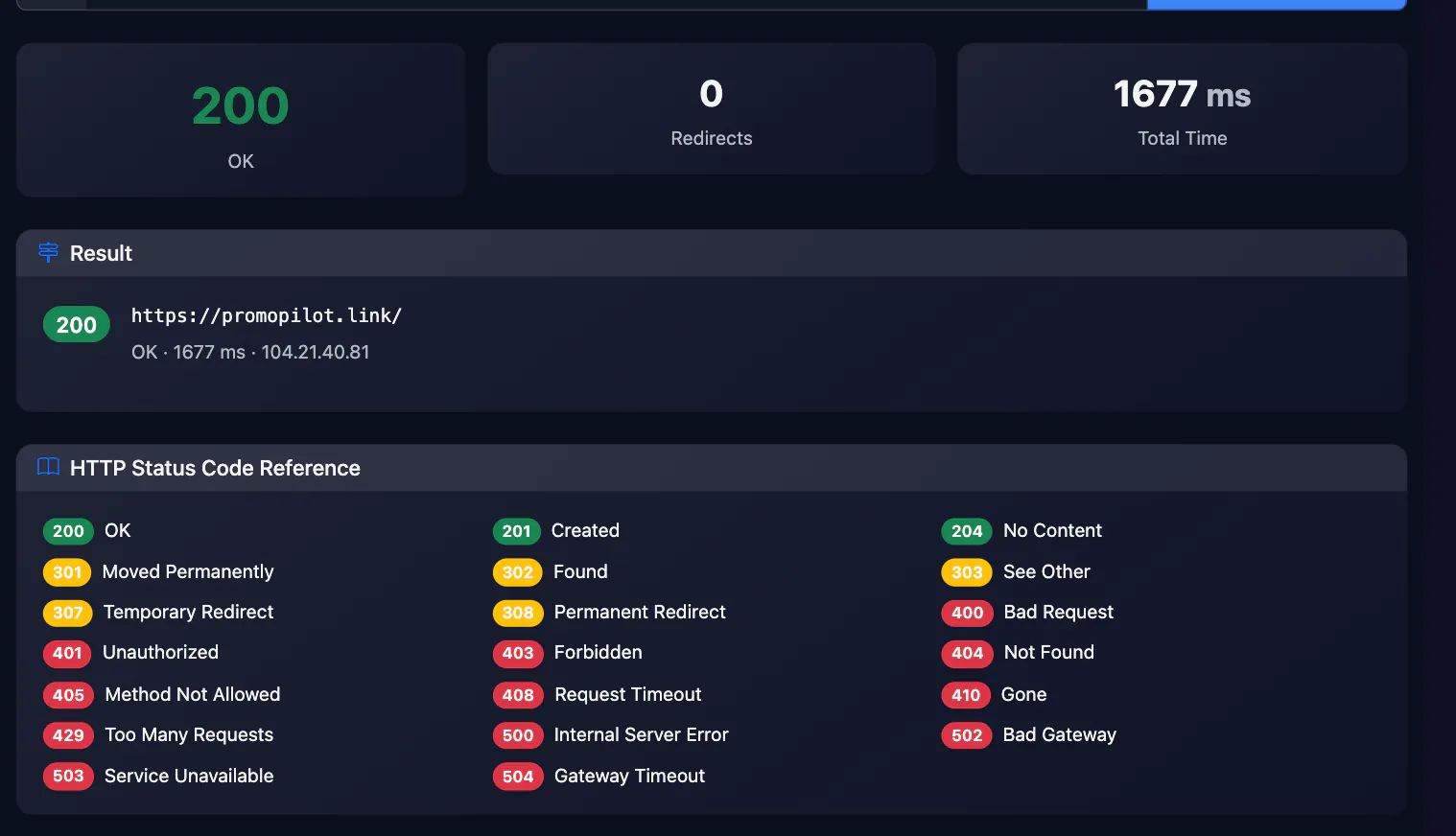
Check the HTTP status code of any URL for free: status, redirects, response time and server IP.
Video transcript
What HTTP status code does a page return? Find out in one click. Enter a URL. I am using a page that does not exist. Click Check. Status four-oh-four, not found, in under two hundred milliseconds. The result shows the final URL, the status text, the response time and the server IP. A reference table below explains the common status codes. It follows redirects and counts the hops. A two hundred status can still hide an error page. Free, no sign-up. The link is in the description. Subscribe for more free tools.
See it in action

HTTP Status Code Check
Get the HTTP response code for any URL: 200, 301, 404, 500 etc. Useful for bulk page checks and availability monitoring.
How to Use
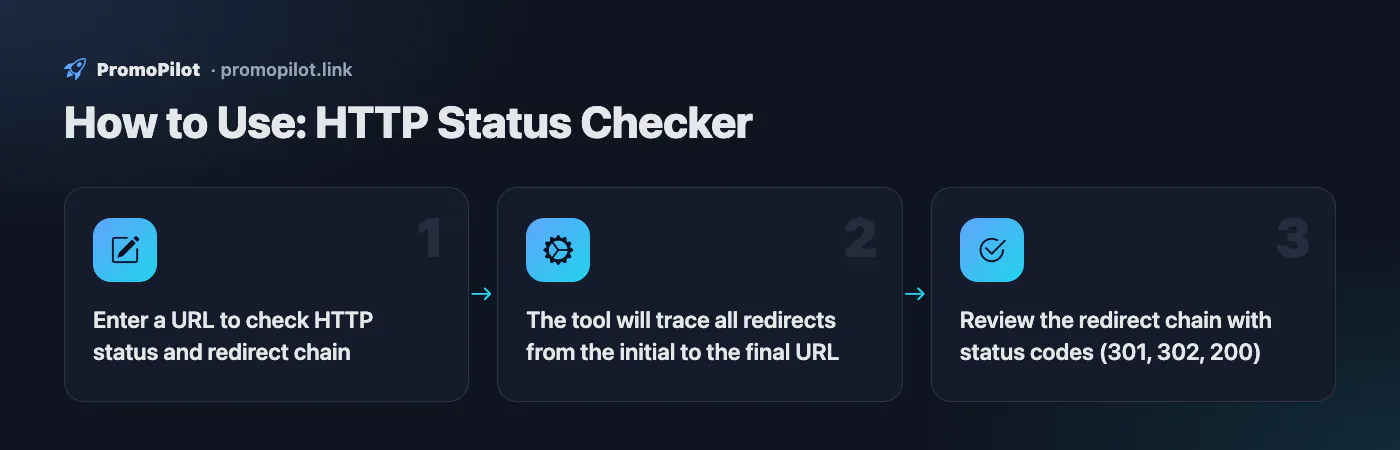
- Enter a URL to check HTTP status and redirect chain
- The tool will trace all redirects from the initial to the final URL
- Review the redirect chain with status codes (301, 302, 200)
FAQ
Who it is for and typical uses
- A page has “disappeared”. Confirm it returns 200 rather than 404, 410 or 5xx and that there are no extra redirects.
- Changing addresses. After a migration check that the old URL leads to the new one through a 301 (permanent), not a 302 (temporary).
- Redirect chains. A long chain slows a page; each hop’s time is in the table. More in the redirect checker.
- Post-release monitoring. A quick check of key pages; whether the site is up overall is covered by the website status check.
Honest limitations
- The HEAD method. Some servers answer HEAD differently from GET (for example 405 or 403), so what a user gets may differ.
- A certificate error does not hide the code. A site with an expired or wrong certificate still shows its code, and the step is flagged “SSL certificate error”; details are in the SSL checker.
- One address at a time. There is no URL list, export or history.
- HTTP redirects only. Meta refresh and JavaScript redirects are not followed.
- One User-Agent, one vantage point. You cannot imitate Googlebot or test from another country, and response headers are not shown.
PromoPilot vs alternatives: comparison
We compare only what is confirmed on each service's own pages. Where we could not confirm a fact, the cell shows "—".
| Parameter | PromoPilot | httpstatus.io | Redirect Checker (redirect-checker.org) | KeyCDN HTTP Header Checker |
|---|---|---|---|---|
| Redirect chain with codes | ✓ up to 10 hops, time and IP | ✓ status codes and redirect chains | ✓ distinguishes 301 vs 302 | — |
| Response headers | ✗ | ✓ response headers | — | ✓ HTTP response headers via curl |
| User-Agent choice (incl. Googlebot) | ✗ | — | ✓ desktop and mobile browsers, Googlebot, Bingbot, YandexBot and more | — |
| Meta refresh and JavaScript redirects | ✗ | — | ✓ meta refresh and JavaScript redirects | — |
Scroll the table sideways
Where we are weaker: the check uses HEAD without certificate validation, with no response headers, User-Agent choice or handling of meta refresh/JavaScript redirects.
When to choose PromoPilot: When you want to see the response code and redirect chain of one page quickly. For checking a list of addresses, response headers and behaviour for Googlebot you need tools with those modes.
Checked on: . "—" means not confirmed on the official page; terms and prices change, so check the services' own sites.