Key facts
Check a PTR (rDNS) record online: enter an IP and see the hostname tied to it and whether it matches in the forward direction. Free, no sign-up. A PTR record is usually set by the owner of the IP block, the hosting provider, not by the domain owner.
- Price
- Free
- Sign-up
- Not required
- Processing
- On our server: the PTR query goes through the server's DNS resolver (gethostbyaddr), then we check whether the name found points back to this IP
- Input
- An IP address (IPv4 or IPv6) or a hostname; a name is first resolved to an IP
- Limits
- 30 checks per minute per IP; no sign-up; one address at a time; the forward check compares only a single IPv4 address of the name
- Output
- The hostname from the PTR record, the list of PTR records found and a flag showing whether the name's forward record matches the original IP
- Last updated
See it in action
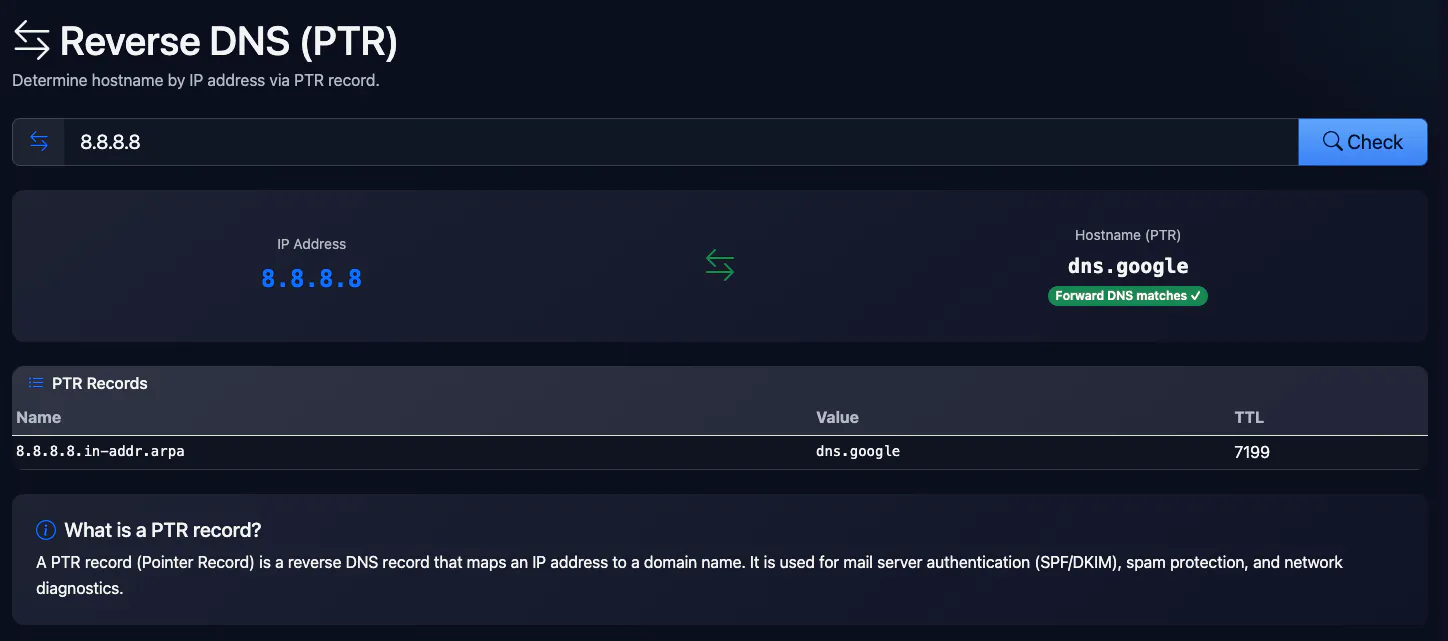
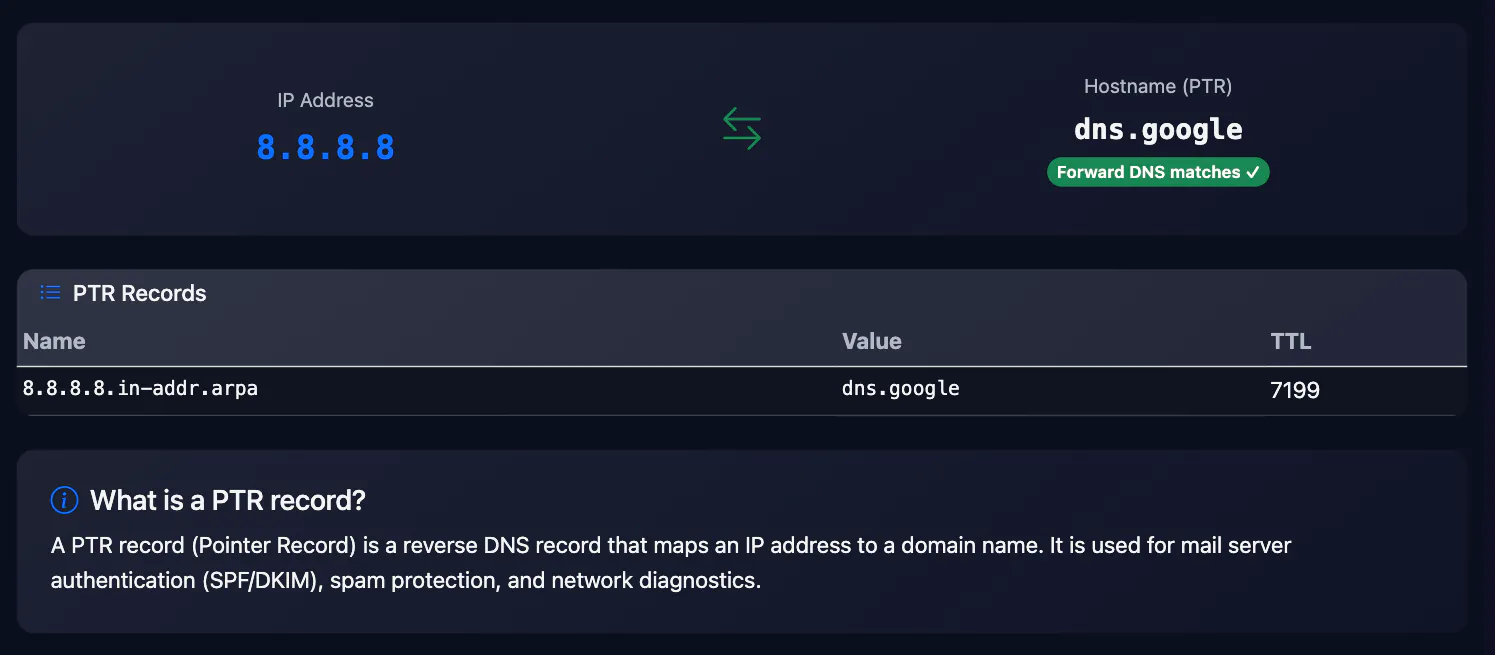
Reverse DNS query (PTR)
Determine a domain name by IP address via PTR record. Reverse DNS is used for mail server authentication, diagnostics and security.
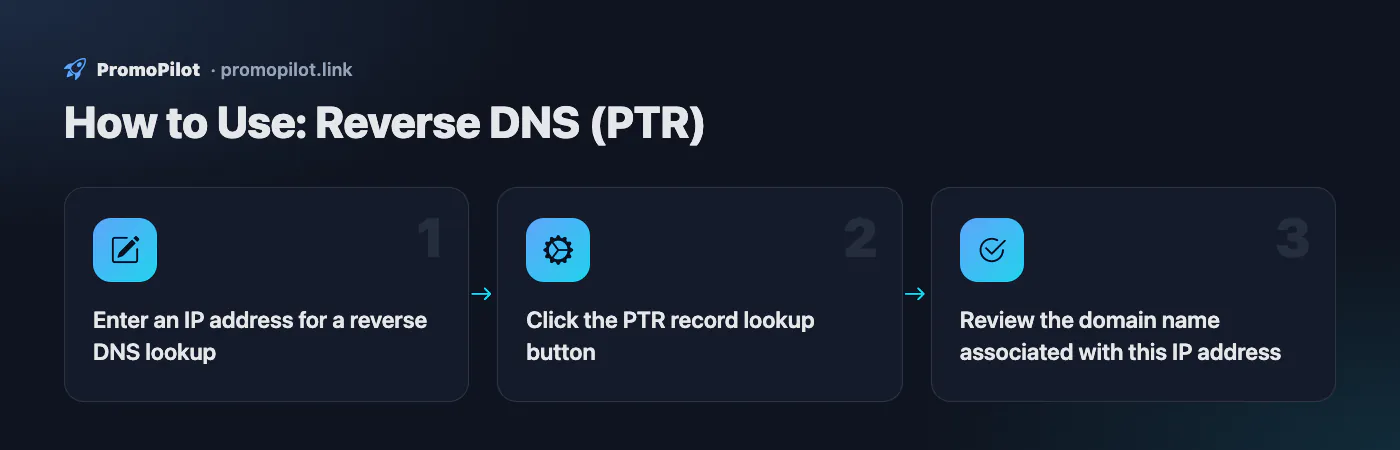
How to Use
- Enter an IP address for a reverse DNS lookup
- Click the PTR record lookup button
- Review the domain name associated with this IP address
FAQ
Who it is for and typical uses
- Setting up a mail server. Many receivers check that the sender's IP has a PTR and that the name resolves back to the same address; without it mail is more likely to land in spam.
- Diagnosing after a hosting change. Make sure the provider set the right name for the new IP.
- Reading logs and complaints. From an IP in a log, find out which host or service it belongs to.
- Security. The name in a PTR helps tell a data centre from a home ISP and a known service.
Honest limitations
- The domain owner does not set PTR. The owner of the IP block changes it, usually the host or ISP; it cannot be edited in a domain registrar's panel.
- One resolver. The query goes through our host's DNS server; answers from other resolvers may differ because of caches.
- The forward check is simplified. One IPv4 address returned by the name-resolution function is compared. If the name has several A records or an IPv6 address, the “mismatch” flag may be a false alarm.
- The PTR list is IPv4 only. For IPv6 the hostname is determined, but a separate PTR list query is not made.
- One address at a time, with no bulk subnet check.
Related: DNS lookup, MX lookup, SPF checker, IP blacklist check, domain IP.
PromoPilot vs alternatives: comparison
We compare only what is confirmed on each service's own pages. Where we could not confirm a fact, the cell shows "—".
| Parameter | PromoPilot | MXToolbox Reverse Lookup | Google Admin Toolbox: Dig |
|---|---|---|---|
| Free and sign-up | Yes: 30 checks per minute, no sign-up | Price not stated; the page says nothing about sign-up | — |
| PTR lookup by IP | ✓ | ✓ | — |
| Forward-confirmed check (FCrDNS) | ✓ simplified (one IPv4 address) | — | — |
| IPv6 | Partly: the hostname is shown, the PTR list is IPv4 only | — | — |
| Notes | Hints on who configures PTR | Notes that PTR records generally must be configured by your ISP | A domain name is entered; PTR support is not described on the page |
Scroll the table sideways
Where we are weaker: the check goes through one DNS resolver, the forward record is verified in a simplified way, there is no bulk check or history; many details of analogues could not be confirmed on their official pages.
When to choose PromoPilot: When you need a quick check whether a mail server or host IP has a PTR record and whether it matches the forward one. For checks from several DNS servers and a deeper look at IPv6, use utilities such as dig.
Checked on: . "—" means not confirmed on the official page; terms and prices change, so check the services' own sites.
Reverse DNS lookup: what a PTR record check tells you
A reverse DNS (rDNS) lookup asks which hostname belongs to an IP address. The answer lives in a PTR record. Enter an IPv4 address, or a hostname: the tool then resolves it to its IPv4 address first and checks that IP. That makes it easy to check the PTR record for a mail server — type mail.example.com and you see what the reverse zone returns for its IP.
The report has three parts:
- Hostname (PTR) — the name returned by the reverse query, or "Not found" if no PTR exists.
- Forward DNS match — the tool resolves that hostname back to IPv4 and compares it with the original address.
- PTR records table — the
in-addr.arpaname, the target and the TTL.
A PTR with a forward mismatch usually means the hostname has no A record or points somewhere else. If the hostname has several A records, the first one is compared, so double-check load-balanced setups by hand.
Common rDNS results and fixes
| Result | Meaning | Fix |
|---|---|---|
| PTR not found | The IP owner never created a reverse record | Set rDNS in your provider's panel or ask support |
| PTR found, forward DNS doesn't match | The PTR hostname doesn't resolve back to this IP | Add or fix the A record for that hostname in your zone |
PTR like static.55.2.0.192.clients.host.example | The provider's default name; valid, but not yours | On a mail server, change it to mail.yourdomain |
| Several PTR rows | Multiple names on one IP | Keep one; receivers may pick any of them |
| PTR points to a domain you don't own | The IP was recycled from a previous customer | Overwrite the PTR with your own hostname |
If you entered a hostname and got "Invalid IP address", the name has no A record, so there is nothing to look up yet.
How reverse DNS works
PTR records sit in the special in-addr.arpa zone, with the IP's octets reversed. The PTR for 192.0.2.55 is stored at 55.2.0.192.in-addr.arpa. That reverse zone is delegated to whoever holds the IP block — your hosting provider, cloud platform or ISP — not to your domain's DNS host. This is why you can't add a PTR next to your A and MX records at the registrar, even though the hostname is yours.
If you hold your own address space and the reverse zone is delegated to you, a BIND zone entry looks like this:
$ORIGIN 2.0.192.in-addr.arpa.
55    IN  PTR  mail.example.com.
Keep the trailing dot, or the server appends the zone origin to the name. IPv6 uses ip6.arpa with the address expanded nibble by nibble; this tool checks IPv4.
Check PTR from the command line
dig -x 192.0.2.55 +short
dig -x 192.0.2.55 @1.1.1.1
host 192.0.2.55
nslookup 192.0.2.55
dig -x builds the in-addr.arpa name for you; adding @1.1.1.1 asks a public resolver and skips a stale local cache. Confirm the forward direction with dig +short A mail.example.com. On Windows, nslookup prints the PTR result on the Name line.
Why mail servers need reverse DNS
For a website, PTR barely matters: browsers and search engines don't look at it. For email it is one of the first checks. A receiving server sees only the connecting IP and immediately runs a reverse lookup on it.
- No PTR. Google's sender guidelines require a PTR record for every sending IP; messages from IPs without one get rejected or filtered to spam. Many Postfix servers refuse such connections with
reject_unknown_reverse_client_hostname. - PTR without forward match. Postfix's
reject_unknown_client_hostnamerequires full forward confirmation, and Gmail requires matching forward and reverse DNS from bulk senders. - Generic PTR such as
192-0-2-55.dynamic.isp.example. Spam filters read these as residential or dynamic addresses and score them down.
Also make your server's HELO/EHLO name match its PTR. In Postfix that's myhostname = mail.example.com in main.cf; in Exim it's primary_hostname.
Typical bounces look like this: Gmail returns 550-5.7.25 stating that the sending IP has no PTR record, and a strict Postfix receiver answers 450 4.7.1 Client host rejected: cannot find your reverse hostname. A 450 is temporary, so your server keeps retrying while mail piles up in the queue.
FCrDNS explained
Forward-confirmed reverse DNS closes the loop:
192.0.2.55→ PTR →mail.example.commail.example.com→ A →192.0.2.55- Same IP — the mapping is confirmed.
Whoever controls an IP can put any name into its PTR, including someone else's domain. They cannot create an A record inside a domain they don't control. Only the matching pair proves that the IP and the domain belong together, and that is what the forward DNS badge in the report reflects.
How to set up a PTR record with your host
| Provider | Where to set rDNS |
|---|---|
| Hetzner | Reverse DNS field on the server's IP address. |
| DigitalOcean | Taken from the Droplet name — rename it to a full hostname like mail.example.com. |
| AWS EC2 | Elastic IPs only: "Update reverse DNS" in the EC2 console; the A record must already point to the IP. |
| Shared hosting, business or home ISP | Support ticket; dynamic addresses usually can't get a custom PTR. |
The order matters: create the A record mail.example.com → IP in your own zone first, then set the PTR with the provider, then verify both directions. Several control panels refuse to save a PTR until the forward record points at that IP. Changes propagate as caches expire, so watch the TTL shown in the report.
If your mail goes out through Google Workspace, Microsoft 365 or an email service provider, they manage PTR for their own servers; your job is SPF, DKIM and DMARC. You need your own PTR when your server sends directly: a VPS running Postfix, a web app on a dedicated box, a CRM or ERP that delivers mail itself.
Next checks for deliverability
With PTR and forward DNS in place, confirm that the IP is authorized in your domain's SPF record and isn't listed on DNS blacklists. Use DNS lookup for the domain's A, MX and TXT records, and What is my IP to see which public address your server or office actually uses.