Key facts
Base64 turns arbitrary bytes into 64 safe characters. Paste text to get a Base64 string or decode a string back. It runs on the server, supports UTF-8 and accepts both the standard and the URL-safe alphabet (- and _), with optional padding. It is not suitable for files and images.
- Price
- Free
- Sign-up
- Not required
- Processing
- On our server: the pasted text is sent by POST and encoded or decoded with PHP’s base64_encode and base64_decode (strict mode)
- Input
- Text (for decoding, a Base64 string in the standard alphabet)
- Limits
- No sign-up; the tool itself sets no rate or length limits, only the server’s request-size limits apply; files and images are not supported
- Output
- A Base64 string or the decoded text in a read-only field; a Copy button; on error, an “invalid Base64 string” message
- Last updated
See it in action
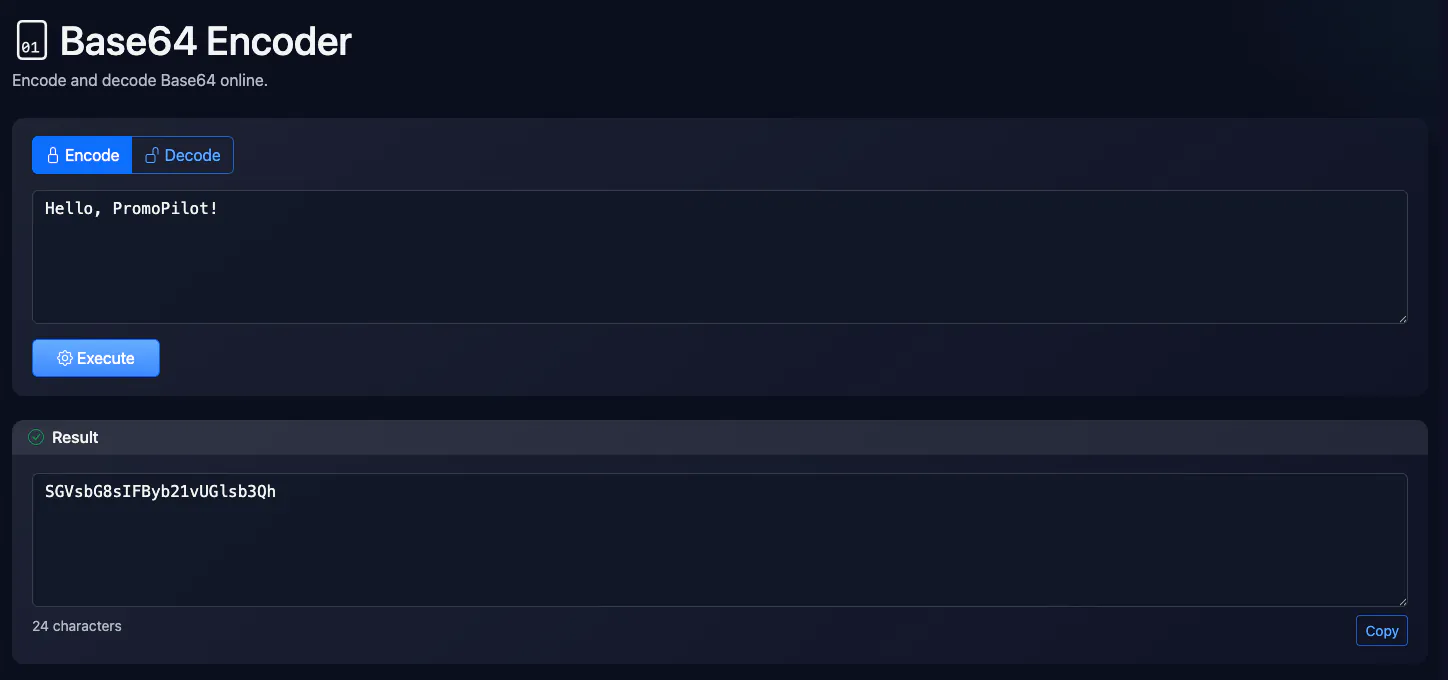
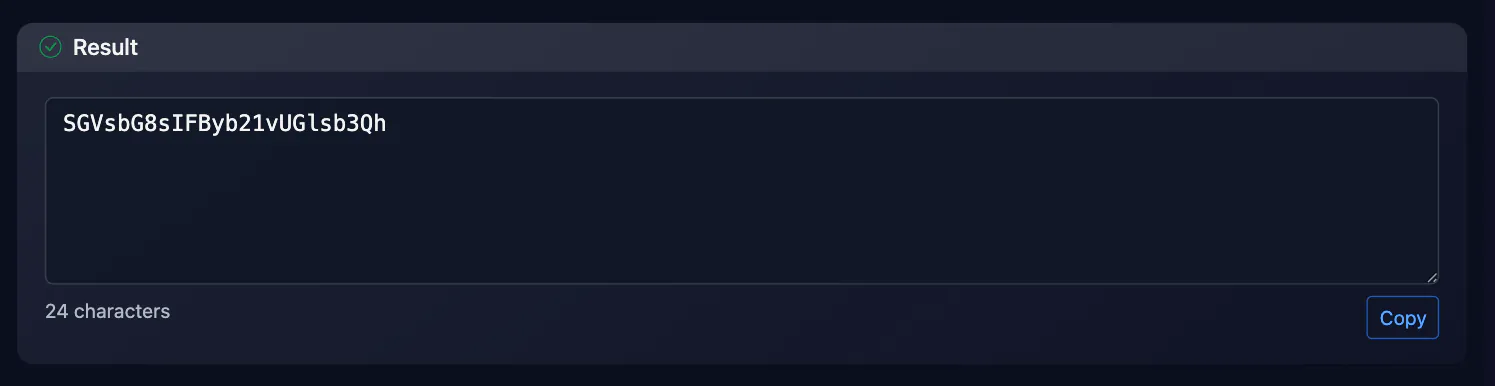
Base64 Encoder / Decoder
Encode and decode data in Base64 format. Used for transmitting binary data in text protocols, embedding images in CSS/HTML and working with APIs.
How to Use
- Paste text or a Base64 string in the input field
- Choose an operation: encode or decode
- Copy the result
FAQ
Who it is for and typical uses
- Reading tokens and headers. Decode part of a token or a Basic-auth value to see what is inside.
- Sending text safely. Encode a string with Cyrillic, line breaks or special characters for JSON, XML or parameters.
- Checking data. Confirm a Base64 string is valid and decodes to readable text.
Honest limitations
- Processed on the server. The text goes to our server and is not handled in the browser. Do not paste passwords, tokens or private data.
- Base64 is not encryption. Anyone can decode a string; use encryption to protect data.
- Standard alphabet only. Base64URL strings with “-” and “_” (as in JWTs) are rejected; replace them with “+” and “/” by hand.
- Text only. No file, image or data-URI upload; binary data looks like garbage after decoding.
- No charset choice. Text is processed as is (UTF-8 in most cases); other encodings must be converted beforehand.
Related: URL encoder, hash generator, JSON formatter, password generator.
PromoPilot vs alternatives: comparison
We compare only what is confirmed on each service's own pages. Where we could not confirm a fact, the cell shows "—".
| Parameter | PromoPilot | Base64 Encode (base64encode.org) | Base64.Guru | CyberChef (GCHQ) |
|---|---|---|---|---|
| Text encoding and decoding | ✓ | ✓ with a choice of charset from a long list | ✓ encoders and decoders for text, hex, URL, CSS, HTML | — |
| Files, images, PDF | ✗ | ✓ a file upload form for binary data | ✓ images, PDF, audio, video, files | — |
| Works without sending to a server | ✗ | — | — | ✓ “no server-side component”; can be run locally |
| Base64URL (URL-safe) | ✗ | — | Separate tools such as “Normalize Base64” and “Base64 Standard Detector” | — |
Scroll the table sideways
Where we are weaker: text goes to our server, there is no file or image support and no charset choice.
When to choose PromoPilot: When you want to quickly encode or decode a short text string (a token, JSON, a header fragment). For files, images or handling secrets without sending them to a server use other tools.
Checked on: . "—" means not confirmed on the official page; terms and prices change, so check the services' own sites.