Want the WordPress theme, parent theme and plugins of a site? Use the WordPress theme detector.
Key facts
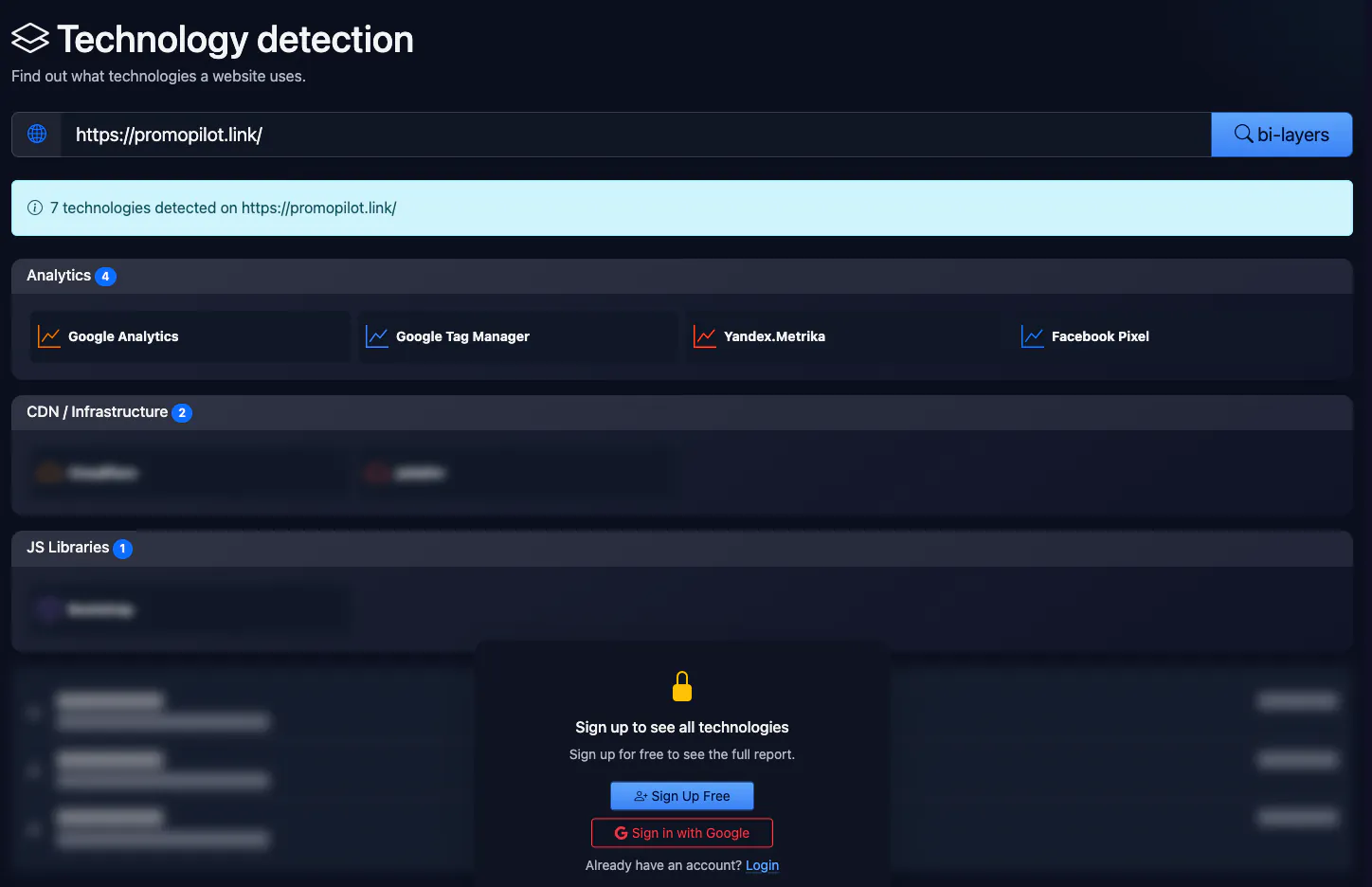
Detect a site's technologies online: enter an address and see the CMS, frameworks, analytics, CDN and web server from signatures in the HTML and headers. Free, no sign-up (a guest sees the first 4 results in full). Versions are not detected and JavaScript is not run.
- Price
- Free
- Sign-up
- Not required
- Processing
- On our server: it downloads your page like a regular visitor (without running JavaScript) and looks for known technology signatures in the HTML and response headers
- Input
- A page or site address
- Limits
- 20 requests per minute; daily limit: 15 for a guest, 45 when logged in, unlimited for Pro; a guest sees the first 4 detected technologies in full, the rest are blurred
- Output
- A list of detected technologies by category: CMS and frameworks, analytics, CDN, JS libraries, fonts, web server and PHP
- Last updated
See it in action
Website Technology Detection
Find which technologies, CMSs, frameworks and services a site uses. We detect WordPress, React, Nginx, Google Analytics, CDNs and more from headers and page tags; these are signatures, so mistakes are possible. Guests see the first 4 technologies found; the rest unlock after sign-up.
How to Use
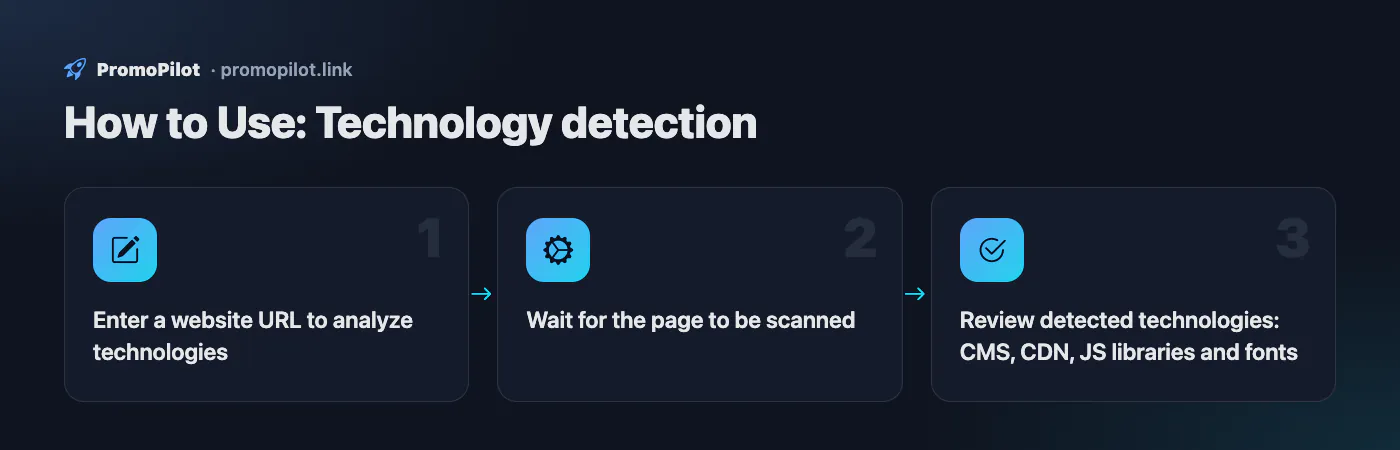
- Enter a website URL to analyze technologies
- Wait for the page to be scanned
- Review detected technologies: CMS, CDN, JS libraries and fonts
FAQ
Who it is for and typical uses
- Competitor research. See which CMS a site is built on and which trackers it uses.
- Checking your own site. Make sure the right Google Tag Manager, analytics or pixel is installed and there are no stray scripts.
- Before a rebuild or migration. See the platform and CDN. For WordPress themes and plugins open the CMS detector.
Honest limitations
- Only what is in the HTML. Technologies loaded by scripts after page load are invisible: we do not run JavaScript.
- No versions. The exception is the PHP version from the X-Powered-By header, if the server sends it.
- Mistakes are possible. Detection uses signatures in tags and headers (not any word in the text), but matches can be accidental or incomplete, so double-check the result.
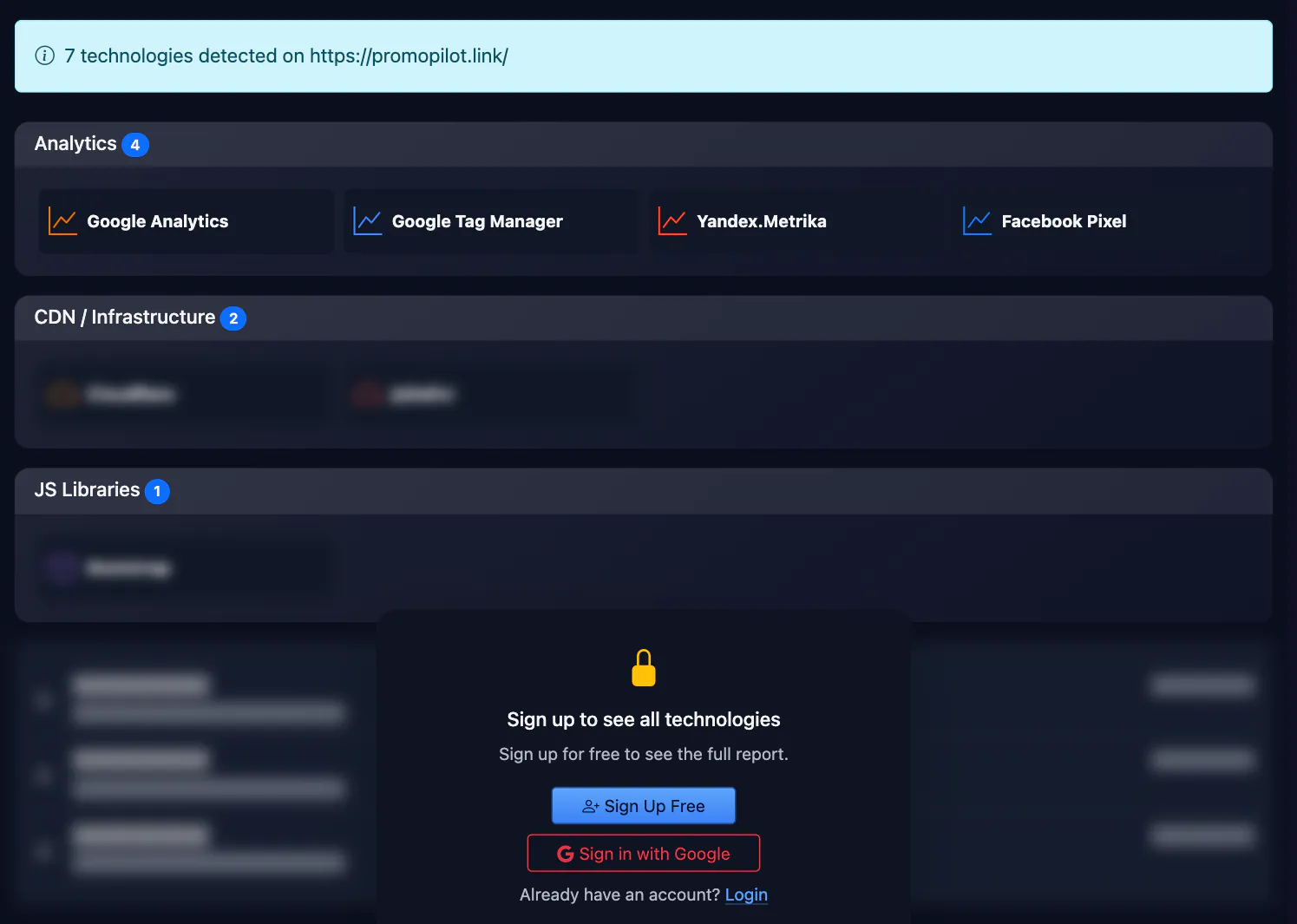
- Part of the result is blurred for guests. The first 4 detected technologies are fully visible and the rest are blurred; a logged-in user sees everything.
PromoPilot vs alternatives: comparison
We compare only what is confirmed on each service's own pages. Where we could not confirm a fact, the cell shows "—".
| Parameter | PromoPilot | BuiltWith | Wappalyzer |
|---|---|---|---|
| Free lookup | ✓ no sign-up (a guest sees the first 4 results) | — free sign-up and paid plans are offered; what the free lookup includes is not stated | — |
| Coverage | 39 signatures | 127,827+ technologies (analytics, advertising, hosting, CMS, eCommerce, AI tools) | website technologies, their versions and stack changes; also company and contact data |
| Versions and JS execution | ✗ | — | — |
Scroll the table sideways
Where we are weaker: a small signature set (39), no versions, plugins or JavaScript execution; a guest sees only part of the results.
When to choose PromoPilot: When you want a quick idea of the CMS, analytics and CDN a site uses (yours or a competitor's), with no extension or sign-up. For versions, plugins and large signature databases use specialised services.
Checked on: . "—" means not confirmed on the official page; terms and prices change, so check the services' own sites.