Key facts
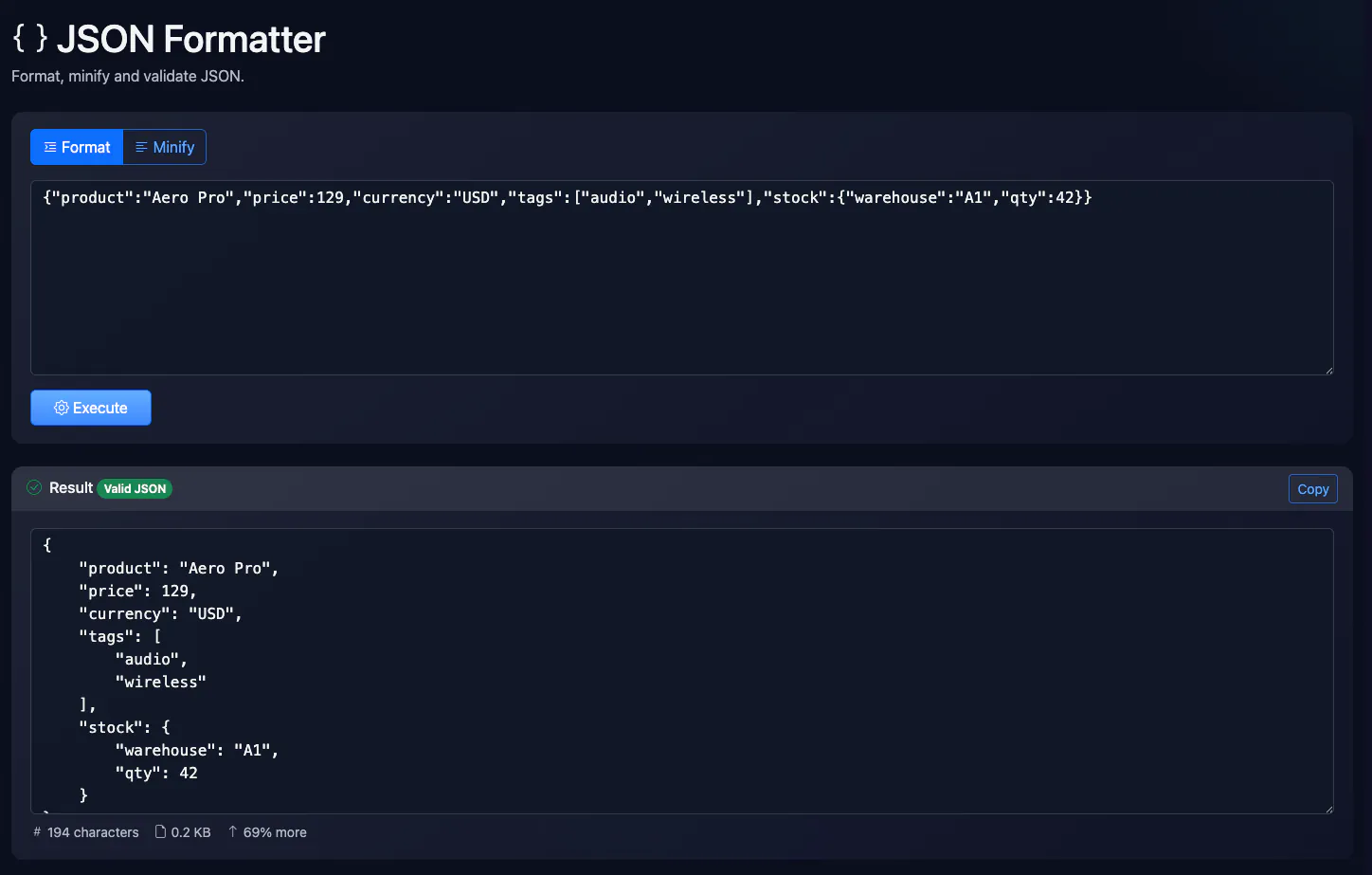
Format JSON online: paste the text, choose Format or Minify and copy the result. It doubles as a validator: invalid JSON shows the parser message. Free, no sign-up. The error comes without a line number and there is no tree view.
- Price
- Free
- Sign-up
- Not required
- Processing
- On our server: the text is sent by POST, PHP parses it and rebuilds it with indentation or on one line. Nothing is written to disk: the result exists only in the page response
- Input
- JSON text in the input box and a mode: Format or Minify
- Limits
- No sign-up and no daily limit; size is bounded by the server's POST limit; strict JSON only (no comments or trailing commas)
- Output
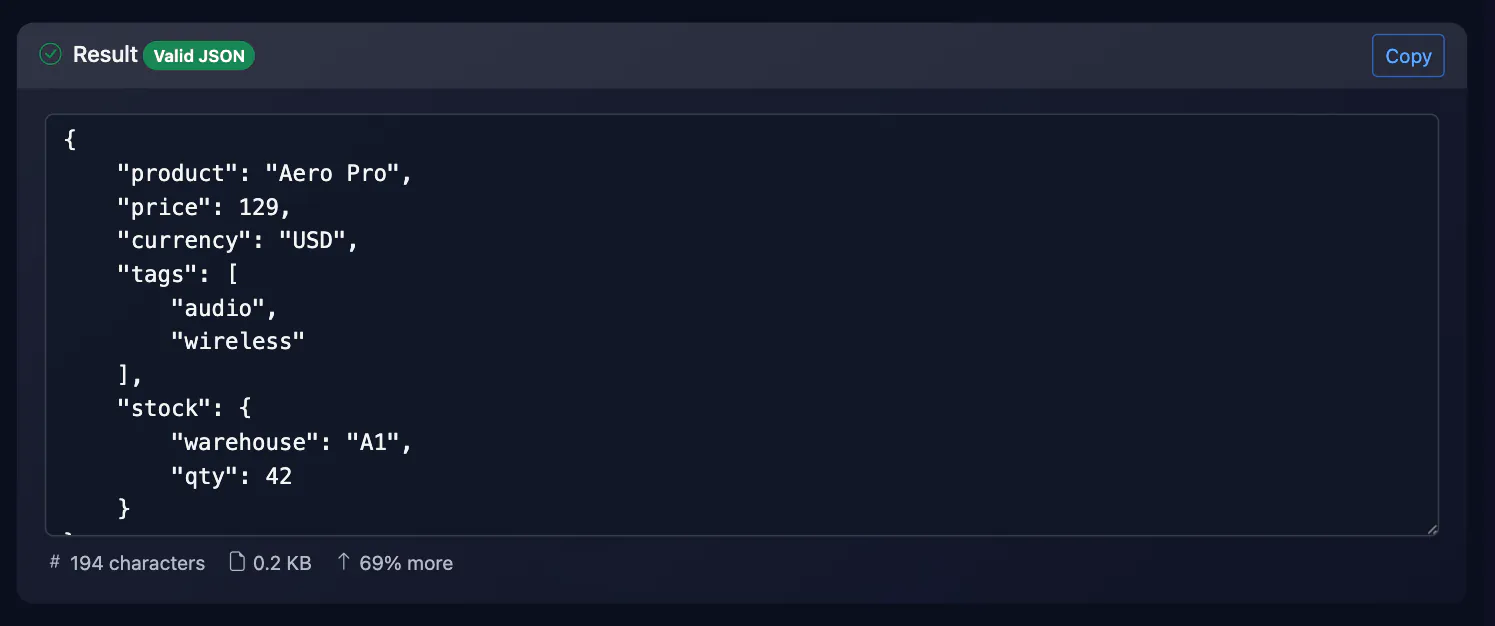
- Formatted (4-space indent) or minified JSON, the character count, the size in KB and how many percent smaller or larger the text became; on failure, the parser message
- Last updated
Video walkthrough 0:36

JSON Formatter & Validator Online Free: Pretty Print or Minify in One Click
Format, validate and minify JSON for free: pretty print or minify with size savings and a copy button.
Video transcript
Got messy JSON? Format and validate it in one click. Paste your JSON. Click Execute. It is formatted, validated, and the size is shown. Switch between pretty print and minify, depending on what you need. Minify mode saves bytes for your payload. Invalid JSON is reported, so you can fix it quickly. Free, no sign-up. The link is in the description. Subscribe for more free tools.
See it in action
JSON Formatting and Validation
Format, validate and minify JSON. If the syntax is wrong you get the parser message (without a line number); there is no syntax highlighting or tree view, and the result is plain text. Processing happens on the server.
How to Use
- Paste JSON code into the text field
- Choose an action: format, minify or validate
- Copy the formatted JSON or fix the errors found
FAQ
Who it is for and typical uses
- Debugging an API. Paste a server response and see the structure with indentation instead of one long line.
- Configs and fixtures. Bring package.json, settings or test data to one consistent shape before a commit.
- Compact for transport. Minify strips spaces and line breaks, handy for embedding JSON in a script or URL. To encode it as Base64 use the Base64 tool.
Honest limitations
- Processed on the server. Your text goes to our server by POST. Do not paste secrets or keys; use a local editor for such data.
- Errors without a line. For invalid JSON you only get the parser message (for example “Syntax error”) with no line number or position. There is no syntax highlighting or tree view.
- Strict JSON only. Comments, single quotes, trailing commas and JSON5 are rejected.
- Numbers and keys. Integers above 9,223,372,036,854,775,807 become floats and lose precision; a repeated key survives once (the last). If large-number precision matters, check the result.
PromoPilot vs alternatives: comparison
We compare only what is confirmed on each service's own pages. Where we could not confirm a fact, the cell shows "—".
| Parameter | PromoPilot | JSONLint | JSON Formatter (jsonformatter.org) |
|---|---|---|---|
| Format and minify | ✓ | ✓ validates, reformats and compresses (“Compress”); input by typing, pasting or URL | ✓ |
| Tree view | ✗ | ✓ Tree Viewer (JSON viewer) | ✓ |
| Processing | on our server | — | in your browser; the last JSON is kept in localStorage; JSON saved without login becomes public |
Scroll the table sideways
Where we are weaker: no tree view, syntax highlighting or error line number, and the text goes to the server. Specialised services offer a tree and local validation.
When to choose PromoPilot: When you need to make an API response or config readable (or compact) in a second, with nothing to install. For locating an error by line and a tree view, dedicated editors are better.
Checked on: . "—" means not confirmed on the official page; terms and prices change, so check the services' own sites.