Key facts
URL encoding turns unsafe characters of a string into %XX sequences in UTF-8, and URL decoding reverses it. Paste text, choose a mode and get the result. There are two modes: “component” encodes everything (a space becomes %20) and suits a parameter value, while “whole URL” keeps the reserved characters of the address.
- Price
- Free
- Sign-up
- Not required
- Processing
- On our server: the pasted text is sent by POST and encoded with PHP urlencode (decoded with urldecode), and the result is returned to the page
- Input
- Any string or a whole URL; “encode” or “decode” mode
- Limits
- No sign-up; the tool itself sets no rate or length limits, only the server’s request-size limits apply
- Output
- A string with UTF-8 percent-encoding (space as %20 in component mode) or the decoded text; a Copy button
- Last updated
See it in action
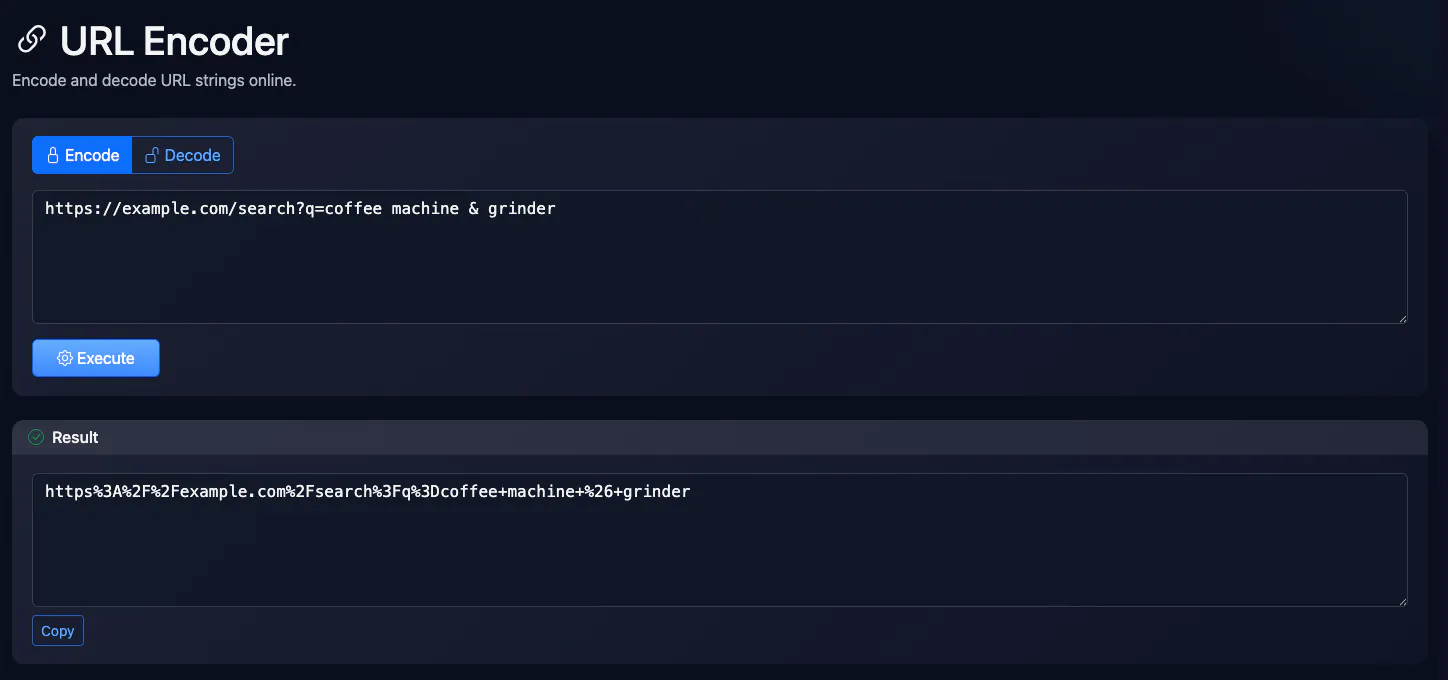
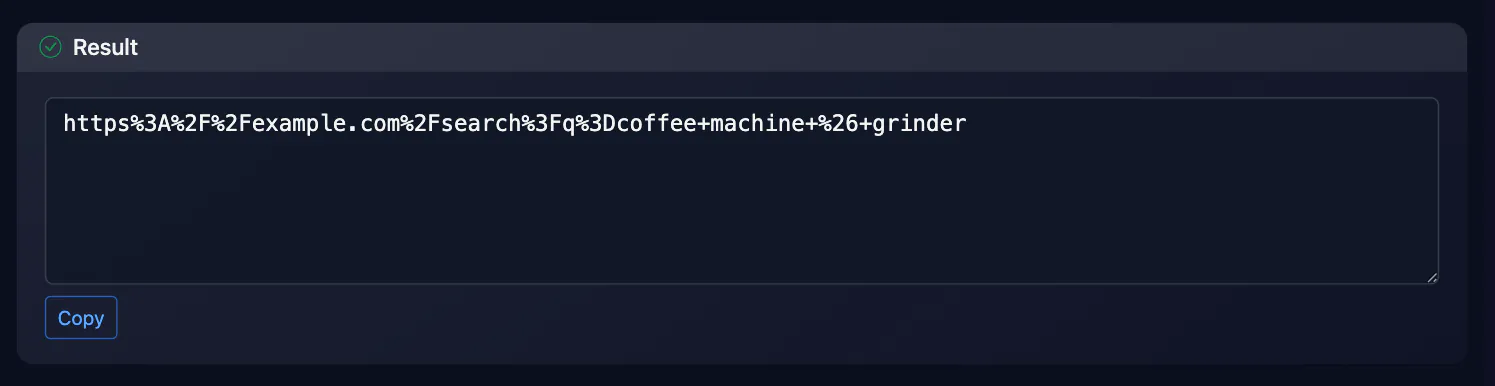
URL Encoder / Decoder
URL encoding and decoding (percent-encoding). An essential tool for working with URL parameters, API requests and debugging links with non-Latin characters.
How to Use
- Paste a URL or text in the input field
- Choose a mode: encoding or decoding
- Copy the result in percent-encoding format
FAQ
Who it is for and typical uses
- UTM tags and parameters. Encode a value with spaces, Cyrillic or the characters &, = and # before placing it in a link; the UTM builder assembles the whole link.
- Decoding links. Turn %D0%BF%D1%80%D0%B8%D0%B2%D0%B5%D1%82 back into readable text.
- Debugging redirects and APIs. See exactly how a query parameter will go out before running the redirect checker.
Honest limitations
- Two modes. “Component” encodes everything with rawurlencode (a space becomes %20 and the tilde is left alone); “whole URL” keeps
: / ? # & =and suits a complete address. The form style with “+” is not used. - Processed on the server. The text goes to our server; do not paste passwords, tokens or private links. It does not run “in the browser”.
- UTF-8 only. Other charsets (such as Windows-1251 for older sites) are not offered.
- No URL part parsing. The whole string is encoded, including “:”, “/” and “?”, so a full address usually should not be encoded this way.
PromoPilot vs alternatives: comparison
We compare only what is confirmed on each service's own pages. Where we could not confirm a fact, the cell shows "—".
| Parameter | PromoPilot | URL Encode and Decode (urlencoder.org) | URL Decoder/Encoder (meyerweb.com) | URL Encode Decode (url-encode-decode.com) |
|---|---|---|---|---|
| Choice of charset | ✗ UTF-8 only | ✓ a long list (UTF-8, ISO-8859-x, Windows-1251, KOI8-R, SJIS and more) | — | Explains the scheme: characters → UTF-8 bytes → %HH |
| Files and per-line processing | ✗ | ✓ file upload and “encode each line separately” | — | — |
| Works without sending to a server | ✗ | — | The page can be saved and used offline (CC BY-SA 2.0 licence) | — |
Scroll the table sideways
Where we are weaker: no charset choice, no file upload and no processing without sending to a server.
When to choose PromoPilot: When you want to quickly encode a parameter value or decode a link in UTF-8. If you need %20 for a space in a path, another charset (Windows-1251 etc.) or file handling, pick a tool with those options.
Checked on: . "—" means not confirmed on the official page; terms and prices change, so check the services' own sites.