
QR code will appear here
Key facts
Create a QR code online: pick a type (link, text, e-mail, Wi-Fi, phone), enter the data and download a PNG. Works in your browser, with no sign-up or watermarks. The code is static and has no logo; the SVG file holds a raster image, and there is no vCard.
- Price
- Free
- Sign-up
- Not required
- Processing
- In your browser — nothing is sent to our server
- Input
- A link, text, an e-mail (with a subject), Wi-Fi network details or a phone number; a size of 200–500 px and a colour
- Limits
- No sign-up, limits or watermarks; the code is static: it holds your data and works indefinitely, but tracks nothing
- Output
- A QR code on the page and two downloads: PNG and “SVG” (the SVG wraps a PNG image rather than vector squares)
- Last updated
Video walkthrough 0:53

QR Code Generator Free: Create QR Codes for URL, Wi-Fi, Email & Text (PNG/SVG)
Create a QR code for free in your browser — links, text, email, phone or Wi-Fi — and download it as PNG or SVG. No sign-up.
Video transcript
Need a QR code for a link, a menu or Wi-Fi? Here's a free generator that works in two clicks. Choose a type, URL by default, and enter the address. I'm using our tools page. Click Generate QR Code. There it is, ready to download as a PNG or an SVG. It isn't only for links. Switch the type to text, email, phone, or a Wi-Fi network, with a name and password, and a phone connects when it scans. It runs entirely in your browser, so your data isn't sent anywhere. For print, three to four hundred pixels suits business cards, but banners need more. Free, no sign-up. The link is in the description. Subscribe for more free tools.
See it in action
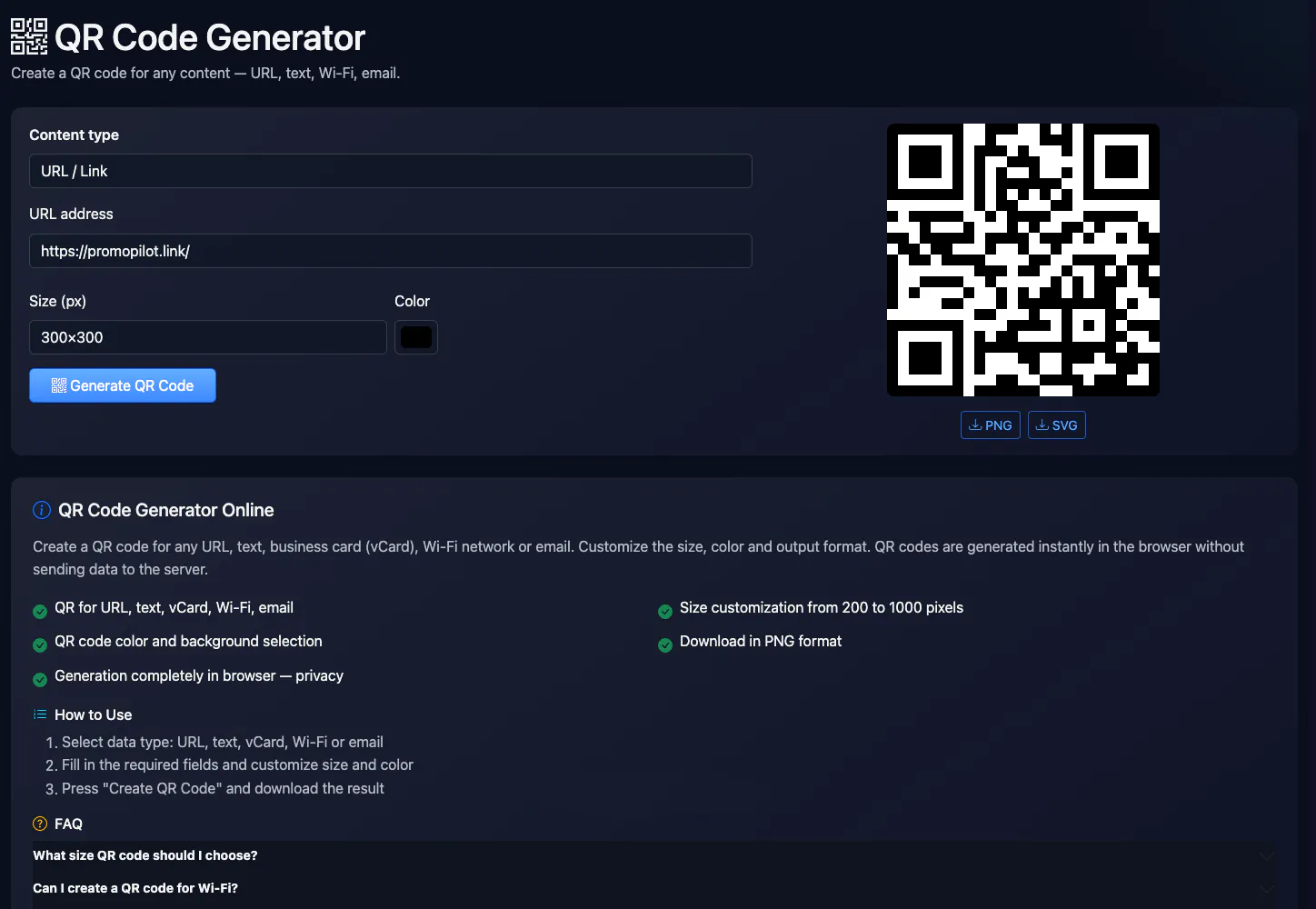

QR Code Generator Online
Create a QR code for a URL, text, e-mail, Wi-Fi network or phone number. Size from 200 to 500 pixels, code colour on a white background, PNG download. The QR is built in your browser and no data is sent to the server; there is no vCard type.
How to Use
- Choose the data type: URL, text, e-mail, Wi-Fi or phone
- Fill in the required fields and customize size and color
- Click “Generate QR code” and download the result
FAQ
Who it is for and typical uses
- A link to a site or social profile. Put the QR on a business card, packaging or flyer; to see visits add UTM tags with the UTM builder.
- Wi-Fi for guests. A guest points the camera and connects without typing a password.
- Phone and e-mail. A call or an e-mail in one tap, with a subject pre-filled.
Honest limitations
- No vCard. This generator does not create a contact card, although the page description once mentioned it.
- “SVG” is not vector. The SVG file wraps a raster PNG, so for large-format printing use a big PNG or another generator.
- Special characters in Wi-Fi. The characters ; , : \ " in a network name or password are escaped automatically, but very long data makes a dense code that is harder to scan.
- No logo or statistics. The code is static: no logo, no retargeting and no scan counter. Test the code with a phone before printing.
PromoPilot vs alternatives: comparison
We compare only what is confirmed on each service's own pages. Where we could not confirm a fact, the cell shows "—".
| Parameter | PromoPilot | QRCode Monkey | GoQR.me |
|---|---|---|---|
| Code types | link, text, e-mail, Wi-Fi, phone | vCard (2.1 and 3), URL, text, e-mail, Wi-Fi, location, event | URL, text, phone, SMS, vCard, e-mail, location, calendar event, Wi-Fi |
| Vector SVG | ✗ the SVG holds a raster | ✓ exports PNG, SVG, PDF and EPS | ✓ PNG, JPEG, GIF, SVG, EPS, PDF; EPS and SVG without registration |
| Logo and design | ✗ | ✓ a logo (PNG/JPG/GIF/SVG up to 2 MB) and design settings (PNG and SVG) | — |
Scroll the table sideways
Where we are weaker: no vCard, logo, true vector SVG, PDF/EPS or scan statistics.
When to choose PromoPilot: When you need a simple static QR for a link, Wi-Fi or a phone number with no sign-up or subscription. For a logo, true vector, vCard and scan statistics use specialised generators.
Checked on: . "—" means not confirmed on the official page; terms and prices change, so check the services' own sites.