
Image converter
Convert to WebP, AVIF, JPEG, or PNG right in your browser. Modern formats are smaller and speed up your site. Files never leave your computer.
Drag & drop images or click to upload
JPEG, PNG, WebP, AVIF, GIF, BMP — up to 10 files, max 20MB
Key facts
Image converter online: drop files, choose WebP, AVIF, JPEG or PNG, quality and width, and download the result. It runs in your browser and nothing is uploaded. Free, no sign-up. If your browser cannot encode AVIF, WebP is saved instead.
- Price
- Free
- Sign-up
- Not required
- Processing
- In your browser — nothing is sent to our server
- Input
- Up to 10 images (JPEG, PNG, WebP, AVIF, GIF, BMP or any other format your browser opens), a target format, quality and maximum width
- Limits
- No sign-up and no cap on runs; up to 10 files at a time; AVIF output depends on your browser's support
- Output
- Files in WebP, AVIF, JPEG or PNG with a “before → after” size for each and in total; download one by one or with the Download all button
- Last updated
Video walkthrough 0:48

Image Converter Online Free: PNG & JPG to WebP or AVIF — No Upload
Convert images to WebP, AVIF, JPEG or PNG for free, right in your browser — nothing is uploaded, and EXIF/GPS metadata is stripped.
Video transcript
Need to convert images to WebP or AVIF? Here's a free converter that runs right in your browser. Drop in an image and pick the target format: WebP, AVIF, JPEG or PNG. With WebP, my 1.2 megabyte PNG becomes forty point seven kilobytes. Now AVIF. My browser can't encode AVIF, so the tool falls back to WebP and says so in the result. Nothing is uploaded. AVIF depends on your browser. EXIF and GPS data are stripped during conversion. Free, no sign-up. The link is in the description. Subscribe for more free tools.
See it in action
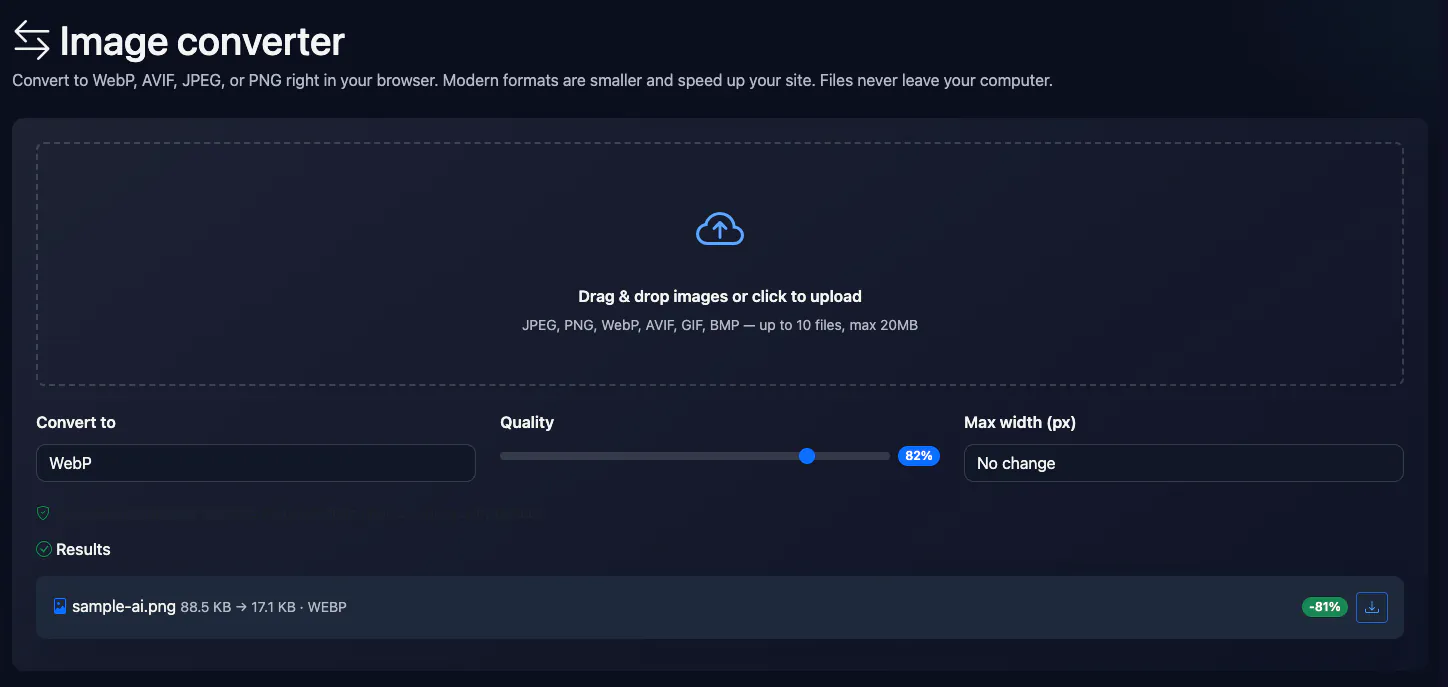
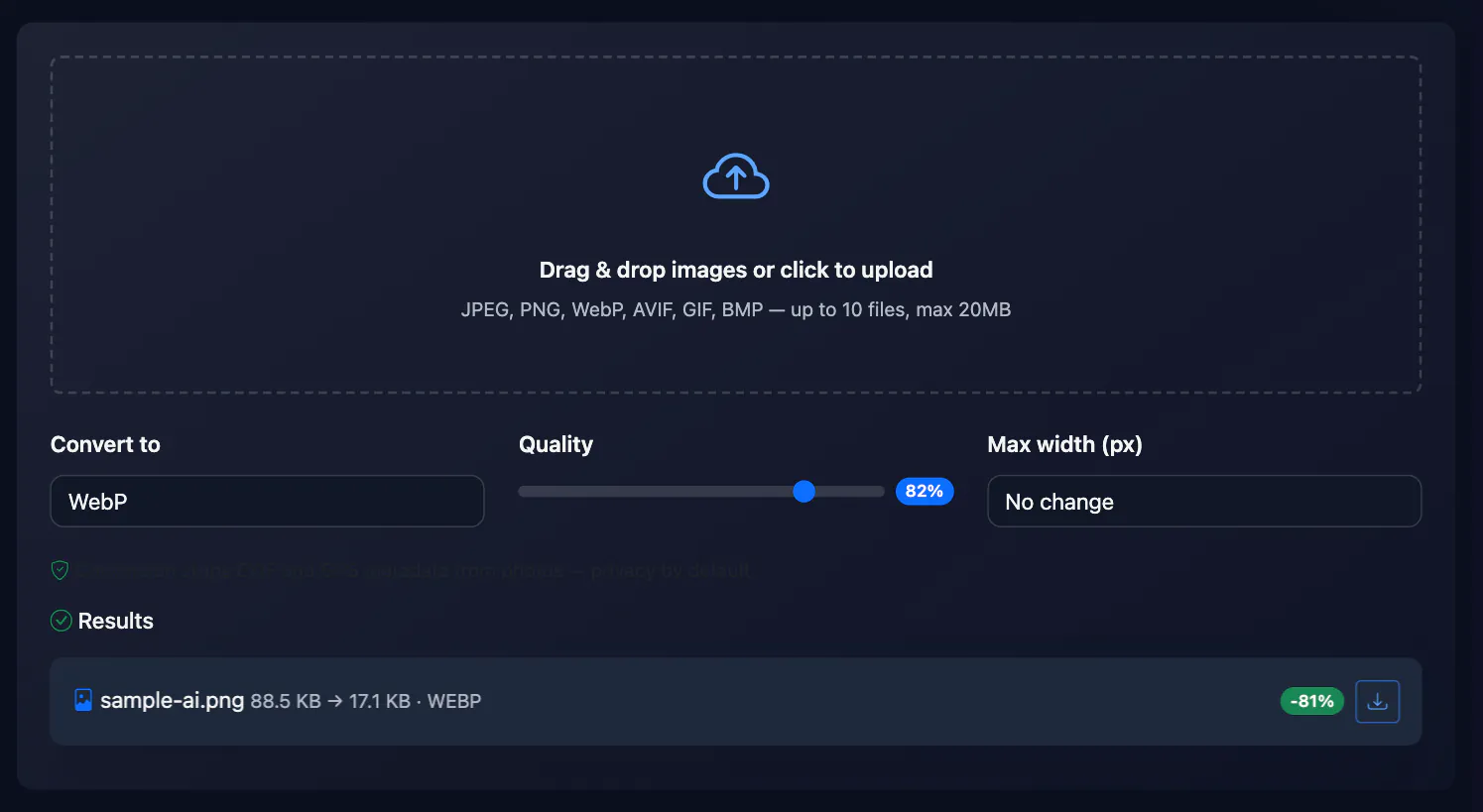
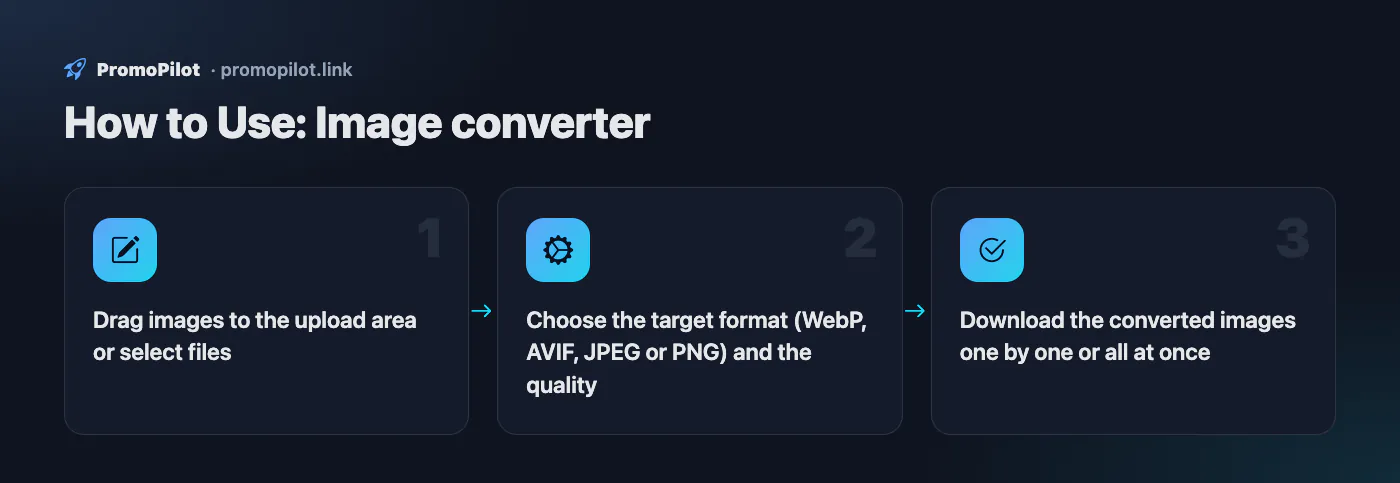
Image converter to WebP, AVIF, JPG and PNG
Convert images to the modern WebP and AVIF formats or the classic JPEG and PNG right in your browser. Modern formats are 25–50% smaller and speed up your site — which directly affects Core Web Vitals and search rankings. Conversion also strips EXIF and GPS metadata.
How to Use
- Drag images to the upload area or select files
- Choose the target format (WebP, AVIF, JPEG or PNG) and the quality
- Download the converted images one by one or all at once
FAQ
Who it is for and typical uses
- PNG and JPEG to WebP for a site. WebP is usually noticeably lighter at a comparable look; the result speeds up pages, and the image size checker shows where more can be saved.
- A file will not open. Re-encode a rare format (BMP, GIF) to JPEG or PNG.
- White background instead of transparency. When saving to JPEG, transparent areas are filled with white.
Honest limitations
- AVIF is not everywhere. If your browser cannot encode AVIF we save WebP instead, so check the extension of the downloaded file.
- GIF and animation. An animated GIF becomes a single frame.
- Metadata is not kept. EXIF and the colour profile disappear on re-encoding.
- No HEIC or SVG. The format must open in your browser; SVG and HEIC will not work. Downloads are one file at a time, with no ZIP.
PromoPilot vs alternatives: comparison
We compare only what is confirmed on each service's own pages. Where we could not confirm a fact, the cell shows "—".
| Parameter | PromoPilot | Squoosh | TinyPNG |
|---|---|---|---|
| Processing | in your browser | ✓ all work is done on the device | — uploaded images are kept for up to 48 hours |
| Output formats | WebP, AVIF, JPEG, PNG | — | conversion to AVIF, WebP, PNG or JPEG; HEIC uploads are converted to JPG |
| Free limit | unlimited, up to 10 files at a time | — | free: convert up to 3 images; compress up to 20 of 5 MB each |
Scroll the table sideways
Where we are weaker: AVIF depends on the browser and silently falls back to WebP; no JPEG XL or HEIC, no ZIP archive and no quality comparison.
When to choose PromoPilot: When you need to turn pictures into modern web formats (WebP, AVIF) without installing software or uploading files to the cloud. For HEIC, SVG and fine codec tuning use other tools.
Checked on: . "—" means not confirmed on the official page; terms and prices change, so check the services' own sites.
Improve search rankings
SEO problems may be costing you traffic. Cascade link building will improve site visibility in search.