
Image Compression
Reduce JPEG, PNG, WebP file sizes in your browser. Files never leave your computer.
Drag & drop images or click to upload
JPEG, PNG, WebP — up to 10 files, max 20MB
Key facts
Compress an image online: drop a JPEG, PNG or WebP, choose quality, format and maximum width, and download the result. Processing happens in your browser and nothing is uploaded. Free, no sign-up. PNG is encoded losslessly, so the quality slider does not affect it.
- Price
- Free
- Sign-up
- Not required
- Processing
- In your browser — nothing is sent to our server
- Input
- Up to 10 JPEG, PNG or WebP images from your device, a quality of 10–100%, an output format and a maximum width
- Limits
- No sign-up and no cap on runs; up to 10 files at a time; the file size limit is set by your browser's memory
- Output
- Compressed JPEG, PNG or WebP files with a “before → after” size for each and in total; download one by one or with the Download all button
- Last updated
Video walkthrough 0:49

Compress Images Online Free — No Upload: JPEG, PNG & WebP Image Compressor
Compress and resize images for free right in your browser — nothing is uploaded. JPEG, PNG and WebP, quality slider, up to 10 files at once.
Video transcript
Make your images smaller without uploading them anywhere. Here's a free compressor that runs in your browser. Drop in an image. I'm using a 1.2 megabyte PNG. With the default Auto format it stays a PNG, and the file actually gets bigger, plus fifty-five percent. So pick WebP and a maximum width of twelve eighty pixels, then drop the same image again. The result is twenty-nine kilobytes, ninety-eight percent smaller. Your files never leave your computer. Format matters: a PNG can even grow. And results depend on the image. Free, no sign-up. The link is in the description. Subscribe for more free tools.
See it in action
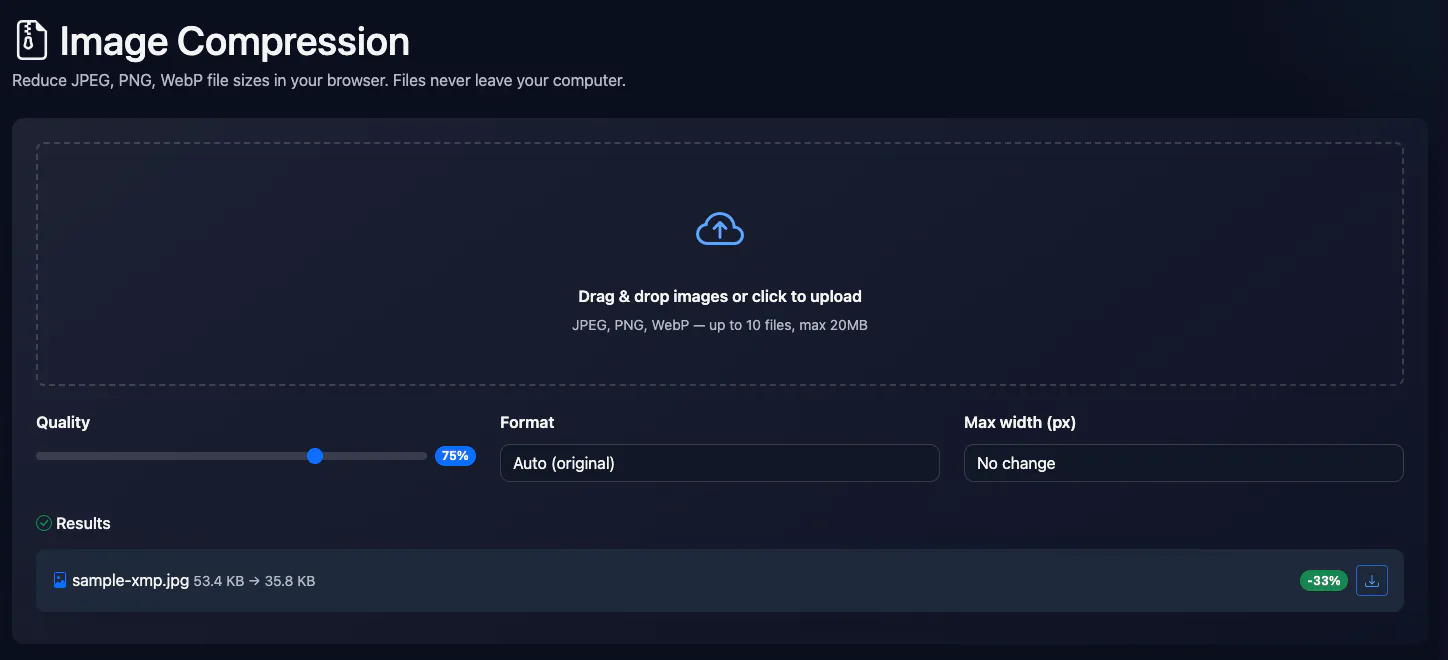
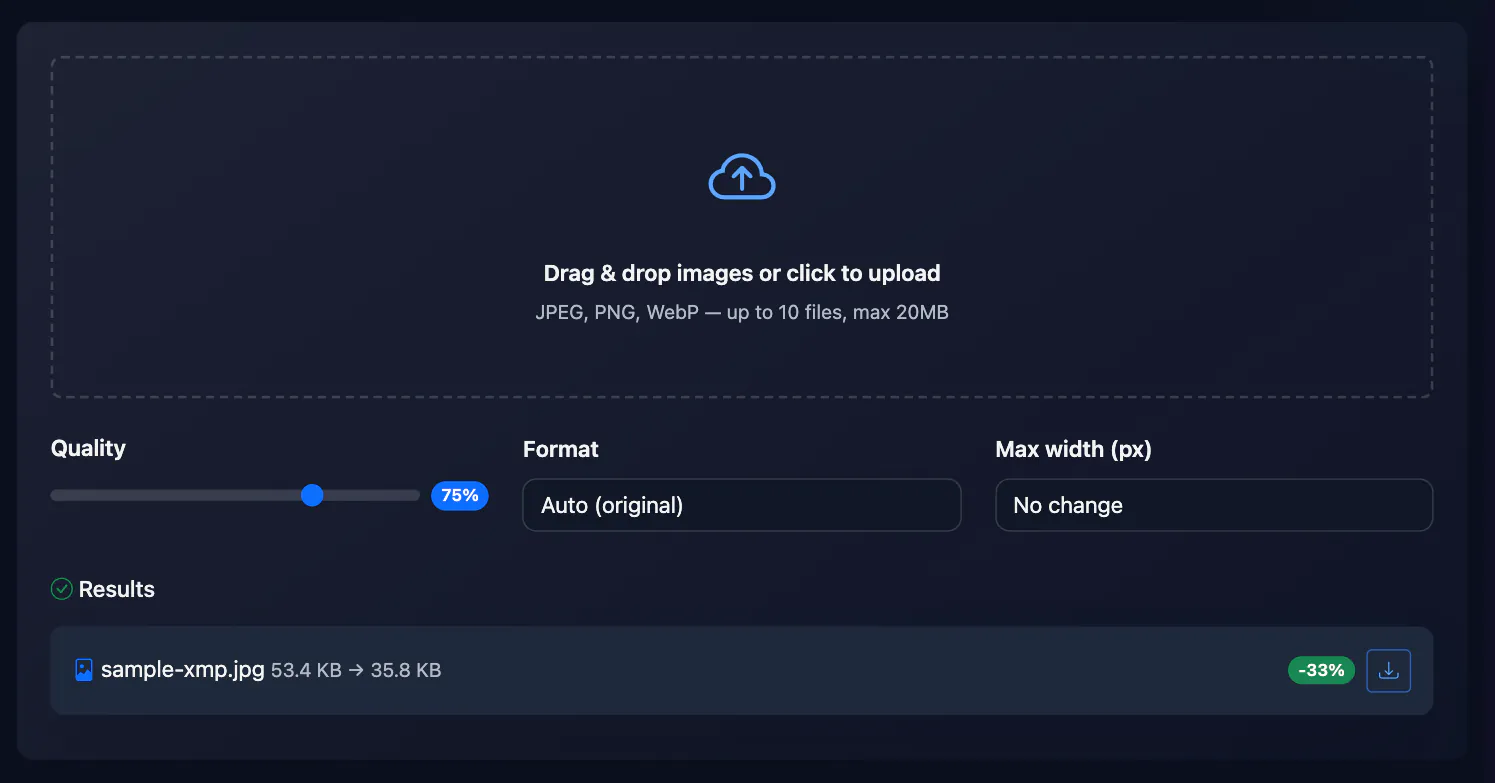
Online Image Compression
Compress images directly in the browser without uploading to server. Supports JPEG, PNG and WebP with quality settings, resizing and batch processing up to 10 files simultaneously.
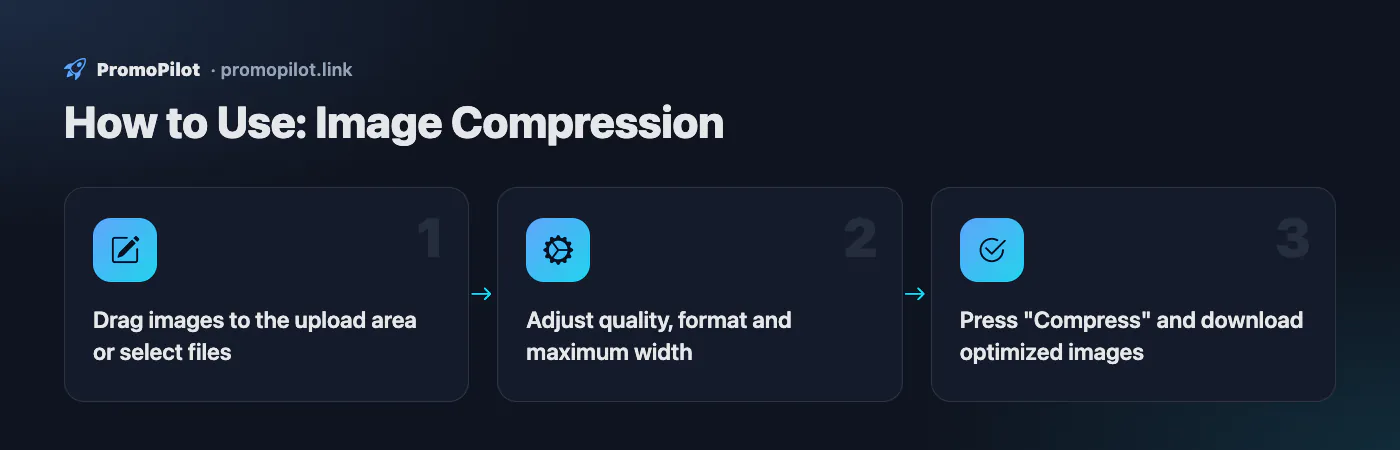
How to Use
- Drag images to the upload area or select files
- Adjust quality, format and maximum width
- Press "Compress" and download optimized images
FAQ
Who it is for and typical uses
- Photos for a website. Shrink pictures before uploading to a CMS: file size directly affects page speed, and the image size checker shows which pictures on a page are heavy.
- Attachments. Compress photos so they fit into an email or messenger.
- A consistent width. Set a 1280 or 1920 px maximum so you do not ship huge camera originals.
Honest limitations
- The result can be larger than the original. If a file is already well compressed, re-encoding may enlarge it: the table shows a “+N%” badge. Keep the original in that case.
- PNG keeps quality but barely shrinks. For photos choose WebP or JPEG.
- Metadata is removed. EXIF and the colour profile disappear on re-encoding, and transparency turns into a black background when saved as JPEG.
- Downloads are one by one. Download all starts separate downloads; there is no ZIP archive.
PromoPilot vs alternatives: comparison
We compare only what is confirmed on each service's own pages. Where we could not confirm a fact, the cell shows "—".
| Parameter | PromoPilot | Squoosh | TinyPNG |
|---|---|---|---|
| Processing | in your browser | ✓ all work is done on the device and images never leave it | — uploaded images are kept for up to 48 hours |
| Batch processing | up to 10 files | — | up to 20 images, 5 MB each, free |
| Formats | JPEG, PNG, WebP | open an image, compare the result and save it; the demo files are JPG and PNG | AVIF, JXL, WebP, PNG, JPG; also APNG |
Scroll the table sideways
Where we are weaker: no AVIF or JPEG XL, no side-by-side quality preview and no ZIP archive; PNG is lossless only.
When to choose PromoPilot: When you need to shrink a few photos for a website quickly without handing them to a third-party service. For fine codec tuning and a quality preview Squoosh is better.
Checked on: . "—" means not confirmed on the official page; terms and prices change, so check the services' own sites.