Key facts
Check HTTP/2 online: enter a site address and see which protocol the server negotiated, HTTP/2 or HTTP/1.1. Free, no sign-up. The site is tested after redirects; HTTP/3 support is not tested.
- Price
- Free
- Sign-up
- Not required
- Processing
- On our server: it requests your site over HTTPS preferring HTTP/2 and checks which protocol was negotiated
- Input
- A site address (for example https://example.com)
- Limits
- 30 checks per minute per IP, no sign-up and no daily limit; up to 5 redirects
- Output
- The negotiated protocol (HTTP/1.1 or HTTP/2), an HTTPS flag, the response code, the final address after redirects and a verdict on whether HTTP/2 is supported
- Last updated
See it in action
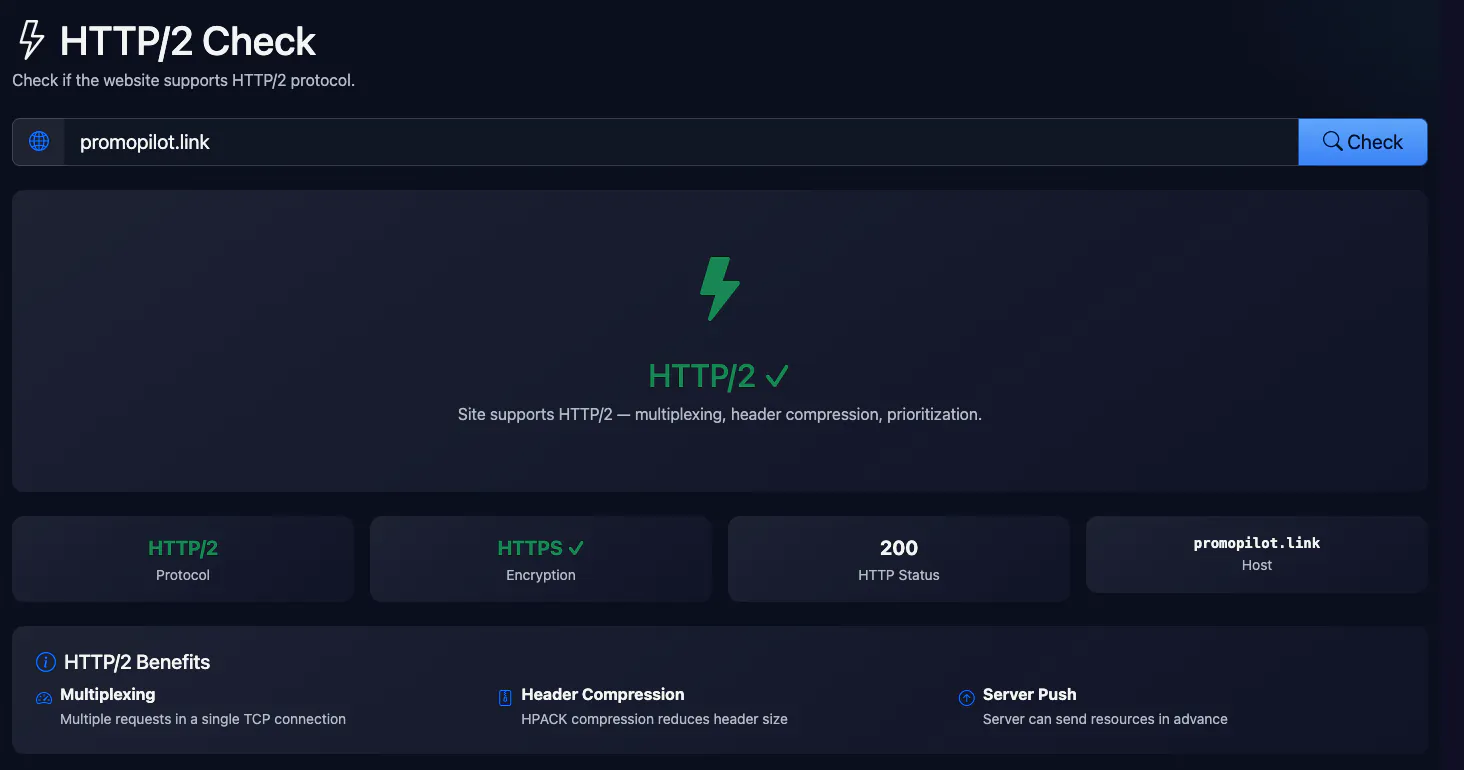
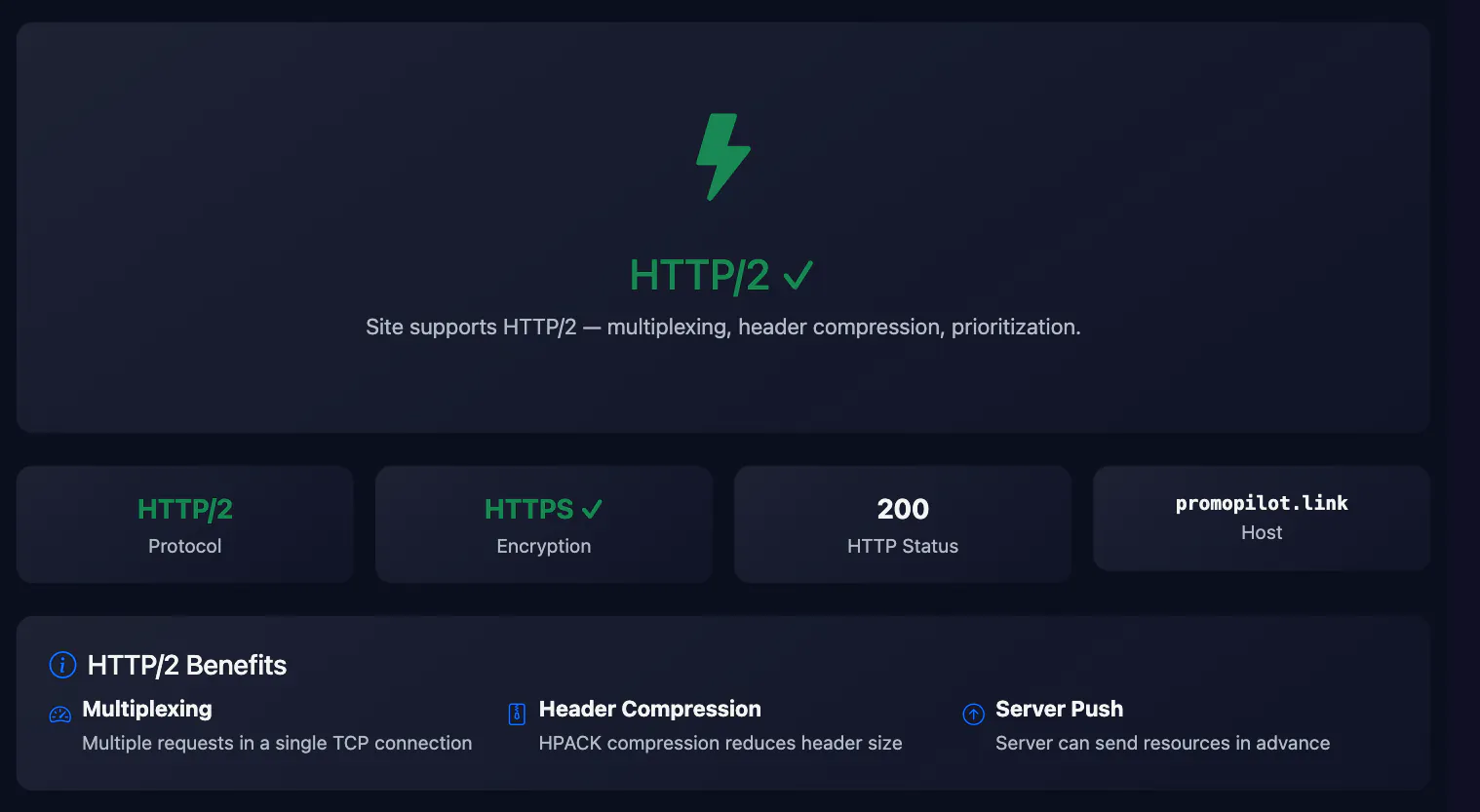
HTTP/2 Check
Check whether a site supports HTTP/2. HTTP/2 speeds up loading through multiplexing and header compression. Only HTTP/2 is tested (the request is made over HTTP/2 with ALPN negotiation); HTTP/3 is not checked.
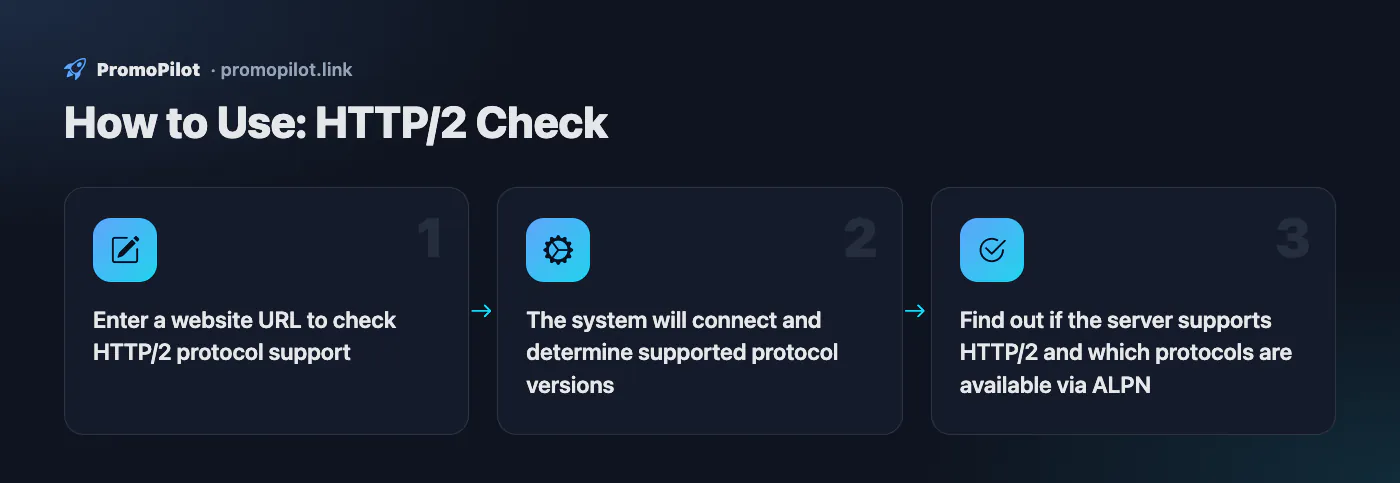
How to Use
- Enter a website URL to check HTTP/2 protocol support
- The system will connect and determine supported protocol versions
- Find out if the server supports HTTP/2 and which protocols are available via ALPN
FAQ
Who it is for and typical uses
- After enabling HTTP/2. Confirm that Nginx, Apache or the CDN really serves HTTP/2 and did not fall back to HTTP/1.1.
- After a migration or a CDN change. The protocol may have changed along with the TLS settings.
- Site speed. HTTP/2 multiplexes requests over one connection; this is one check alongside compression and response time.
Honest limitations
- HTTP/3 is not tested. We do not test QUIC or the Alt-Svc header: a site with HTTP/3 will show HTTP/2 or HTTP/1.1.
- Protocol after redirects. If http:// leads to https://, the result is for the final address, not the original.
- A certificate error is a check error. A site with an invalid certificate shows “connection error”; see the reason in the SSL checker.
- One sample from one server. CDNs and load balancers may answer differently in different regions.
PromoPilot vs alternatives: comparison
We compare only what is confirmed on each service's own pages. Where we could not confirm a fact, the cell shows "—".
| Parameter | PromoPilot | KeyCDN HTTP/2 Test | LiteSpeed HTTP/3 Check |
|---|---|---|---|
| HTTP/2 check | ✓ | ✓ tests HTTP and HTTPS; notes browsers support HTTP/2 only over HTTPS; explains ALPN | — |
| HTTP/3 check | ✗ | — | ✓ HTTP/3 check by hostname |
| Custom IP or port | ✗ | — | ✓ “Advanced”: bypass hostname resolution and use a custom IP address or port |
Scroll the table sideways
Where we are weaker: no HTTP/3 check, no custom IP or port, and only the final protocol is shown without negotiation details.
When to choose PromoPilot: When you want to confirm quickly that HTTP/2 really works after enabling it on the server or CDN. For HTTP/3 and detailed TLS diagnostics other tools are needed.
Checked on: . "—" means not confirmed on the official page; terms and prices change, so check the services' own sites.