
Full Data
| IP address | 216.73.217.73 |
|---|---|
| Country | United States (US) |
| Region | Ohio |
| City | Columbus |
| Index | — |
| Coordinates | 39.9612, -82.9988 |
|---|---|
| Timezone | — |
| Provider | Amazon.com, Inc. |
| Organization | Amazon.com, Inc. |
| ASN | AS16509 Amazon.com, Inc. |
IP Geolocation by DB-IP · ASN: Team Cymru
Location on Map
Key facts
IP geolocation: enter an IP address or domain and see the country, city, ISP, ASN and map coordinates. Free. IP geolocation is approximate: it is most often right to the country and region, and the city may point to a provider’s node rather than the real address.
- Price
- Free
- Sign-up
- Not required
- Processing
- On our server: a domain is resolved to an IP; country, region and city come from the local DB-IP Lite database, ASN and network from the Team Cymru DNS service
- Input
- An IPv4 or IPv6 address or a domain (for a domain, the IP our DNS returns is used)
- Limits
- 20 requests per minute; 10 a day without an account, 30 with a free account, unlimited with Pro
- Output
- Country, region, city, coordinates and a map, ISP and organisation, AS number, network prefix and approximate flags for mobile network and hosting/data centre (judged by the AS name)
- Last updated
See it in action
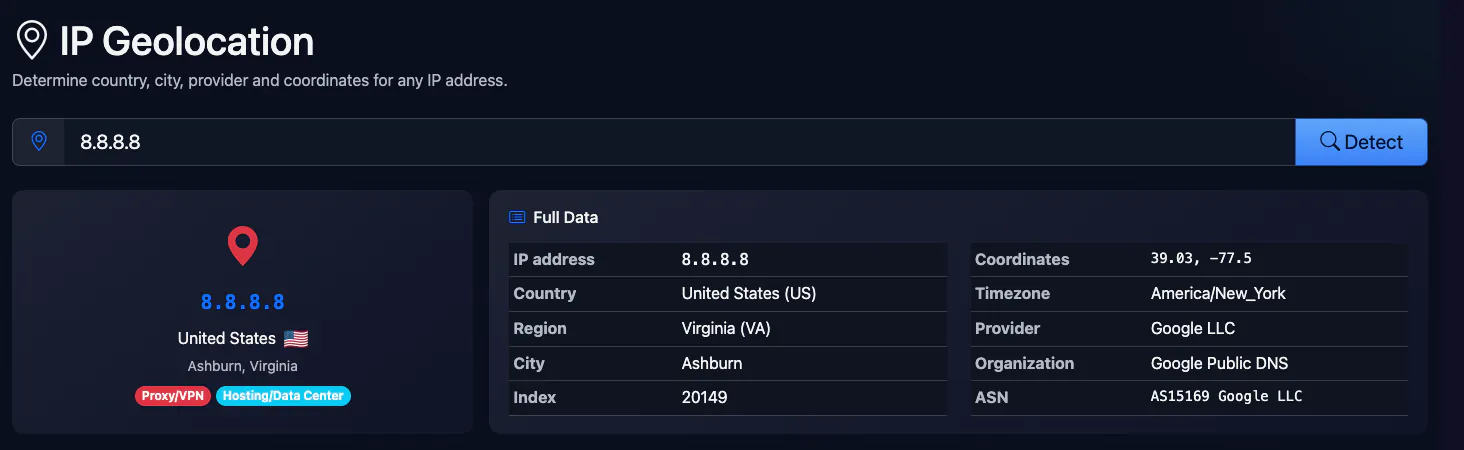
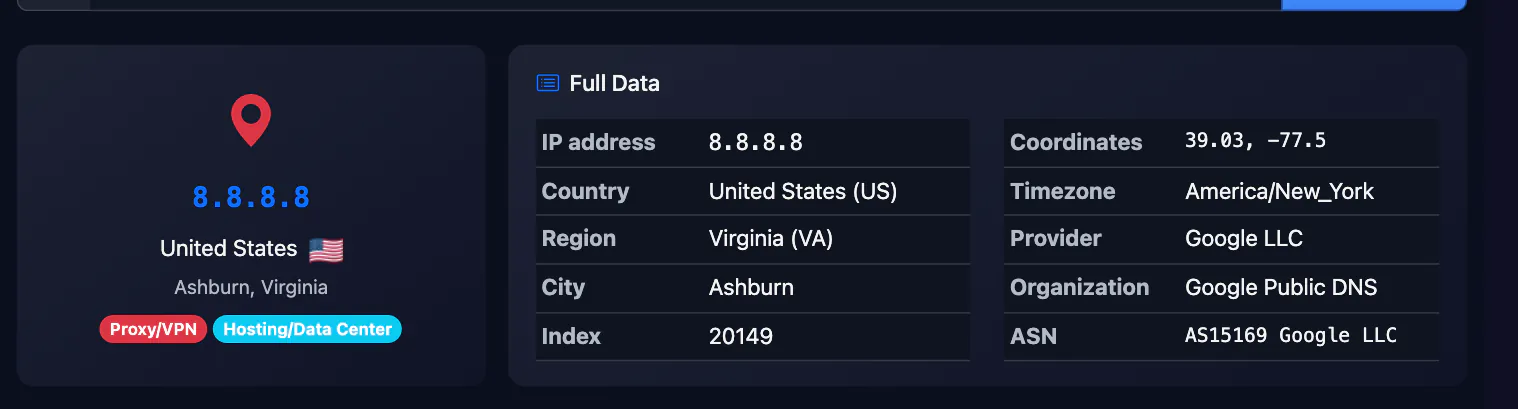
IP geolocation — how to find the location of an IP address
Find where an IP address is located: country, region, city and map coordinates, plus ISP, organisation and ASN. Mobile networks and data-centre addresses are flagged roughly, from the AS name; proxies and VPNs are not detected. Data comes from the free DB-IP Lite database (geolocation) and Team Cymru (ASN): the country is usually right, the city only approximate.
How to Use
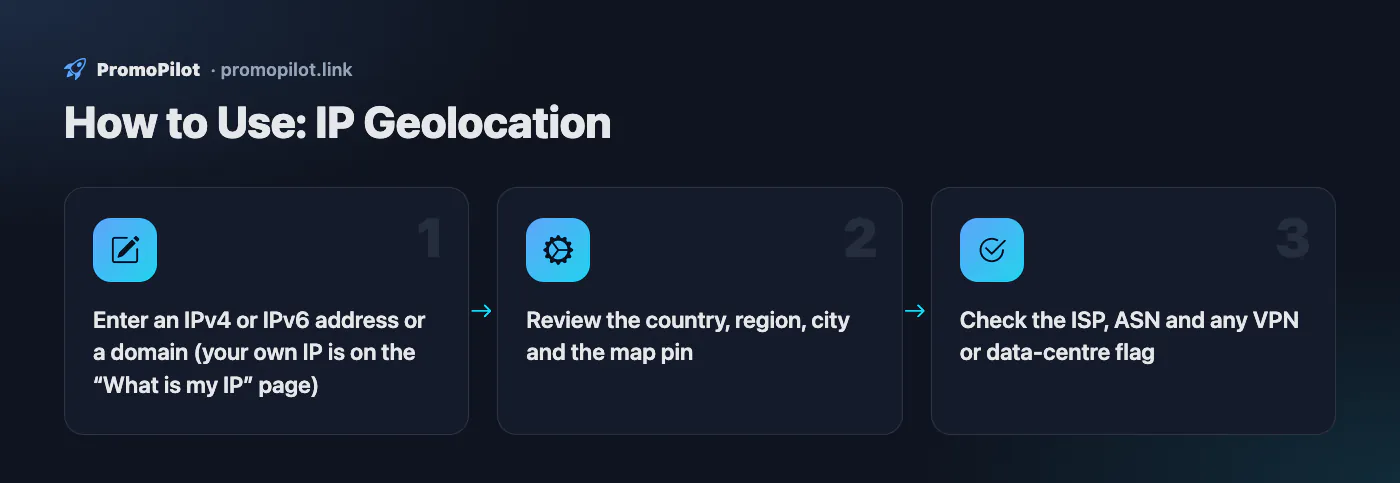
- Enter an IPv4 or IPv6 address or a domain (your own IP is on the “What is my IP” page)
- Review the country, region, city and the map pin
- Check the ISP, ASN and the data-centre flag
FAQ
Who it is for and typical uses
- Where a site’s server is. Enter a domain to learn the country, provider and AS number; for a site’s region see also the hosting checker.
- Suspicious connections. The AS name and the “hosting” flag (approximate, judged by the network name) hint that an IP belongs to a data centre rather than a home user. Proxies and VPNs are not detected.
- Analytics and targeting. The country is useful to check ad impressions and logs.
- Network diagnostics. Provider, AS and reverse DNS in one report; more on AS in the ASN lookup.
Honest limitations
- The data is approximate. An IP cannot reveal a street or a person; the coordinates are a nominal centre of a city or provider node. A Pro plan does not raise accuracy, it removes the daily limit.
- Geolocation from a free database. Country, region and city come from DB-IP Lite (the free edition), network and ASN from Team Cymru. If an address is missing from the database you get the registry country (where the network was allocated) and no city.
- One IPv4 per domain. Sites behind a CDN show the CDN node’s location, not your server’s.
- An external request for ASN only. The entered IP, or the domain’s IP, goes to the Team Cymru DNS service; geolocation is computed locally.
Related: domain IP, domains on one IP, my IP, IP blacklist check.
PromoPilot vs alternatives: comparison
We compare only what is confirmed on each service's own pages. Where we could not confirm a fact, the cell shows "—".
| Parameter | PromoPilot | ip-api.com | IPinfo | MaxMind GeoIP Demo |
|---|---|---|---|---|
| Free access | Yes: 10 a day without an account, 30 with one | Free for non-commercial use only; 45 requests per minute per IP, no HTTPS; unlimited queries, SSL and commercial use need the paid plan | IPinfo Lite is $0, no card; Core is $26/month | A demo needing no sign-up; production use relies on downloadable databases |
| City-level geolocation | ✓ | ✓ | Lite: country level; Core and above: city level | ✓ city, postal code, approximate coordinates |
| Accuracy radius | ✗ | — | — | ✓ “Accuracy Radius” |
| Several addresses at once | ✗ | ✓ a Batch API is listed | — | ✓ up to 25 IP addresses at once |
Scroll the table sideways
Where we are weaker: one free geolocation database (DB-IP Lite), no accuracy radius, batch check or API; proxies/VPNs are not detected, and “hosting” and “mobile network” are judged roughly by the AS name.
When to choose PromoPilot: When you want to know quickly which country and provider an IP or site server belongs to. For bulk checks, an accuracy radius and a commercial API you need paid databases.
Checked on: . "—" means not confirmed on the official page; terms and prices change, so check the services' own sites.
How IP geolocation works
An IP address carries no coordinates. The location comes from geolocation databases that map address ranges to places using registry records (RIPE NCC, ARIN and the other RIRs), data from ISPs, latency measurements and geofeeds published by the networks themselves. This tool uses the free local DB-IP Lite database (geolocation) and the Team Cymru DNS service (ASN and network), which is why region and city names may be shown in English.
You can enter an IPv4 address, an IPv6 address or a domain. For a domain, the tool first resolves its IPv4 address (the first A record) and then locates that address: the server, host or CDN, not the company's office.
What the result shows
- Country, region and city. The city is the least reliable field, see below.
- Coordinates. A reference point, usually the centre of a city or district. The map pin does not mark a building or street.
- ISP, organisation and ASN. Who assigned the address and which autonomous system announces it. More about the network in the ASN lookup.
- Flags for mobile network and hosting/data centre. They are approximate: set from the AS and organisation name, so they can be wrong. Proxies and VPNs are not detected.
How accurate is IP geolocation?
| Level | How far to trust it |
|---|---|
| Country | Usually right. Wrong for VPNs and proxies, satellite internet, corporate networks with a single exit point and address blocks that recently changed hands. |
| Region | Often right for home broadband. Sometimes shows where the ISP is registered instead. |
| City | Frequently wrong. The database returns the ISP's hub or the nearest large city. On mobile data an error of a few hundred kilometres is normal. |
| Coordinates | An approximation. You cannot find a house or a person with it. |
You also cannot identify a person from an IP address. Only the ISP knows who had the address at a given moment, and it discloses that to law enforcement, not to lookups on the internet.
When the result is not about the user at all
- VPNs and proxies. You see the exit server, not the person behind it.
- Tor and browser privacy relays. The address belongs to an exit node that can be in any country.
- Mobile data and CGNAT. Carriers route thousands of subscribers through a few gateways per country, so they all appear to live in the gateway's city.
- CDNs and clouds. Enter the domain of a site behind Cloudflare or another CDN and you get a CDN edge. The same anycast address answers from dozens of cities, so the city means nothing here. To see every address of a domain with a CDN flag, use domain to IP lookup.
Why site owners and SEOs use it
- Reading server logs. A visitor flagged as hosting/data centre that never loads images or scripts is almost always a bot.
- Before checking local rankings. Make sure your VPN really exits in the country you want before you look at search results.
- Where a site's server is. Useful when choosing hosting or debugging speed: a server on another continent adds latency to every request. For rankings in a country, server location is secondary; Google relies first on the domain,
hreflang, language and page content. - Fraud checks. An order billed in one country from a data-centre IP in another deserves a manual look, not an automatic rejection.
My IP shows the wrong city. How do I fix it?
Websites see whatever the geolocation databases say, so the fix has to happen in the databases. Major providers (MaxMind, IP2Location, ipinfo and others) have correction forms, and your ISP can update its geofeed. Changes take time to spread because databases update on a schedule. Check your current address on What is my IP, and see whether it is on spam lists with the IP blacklist check.